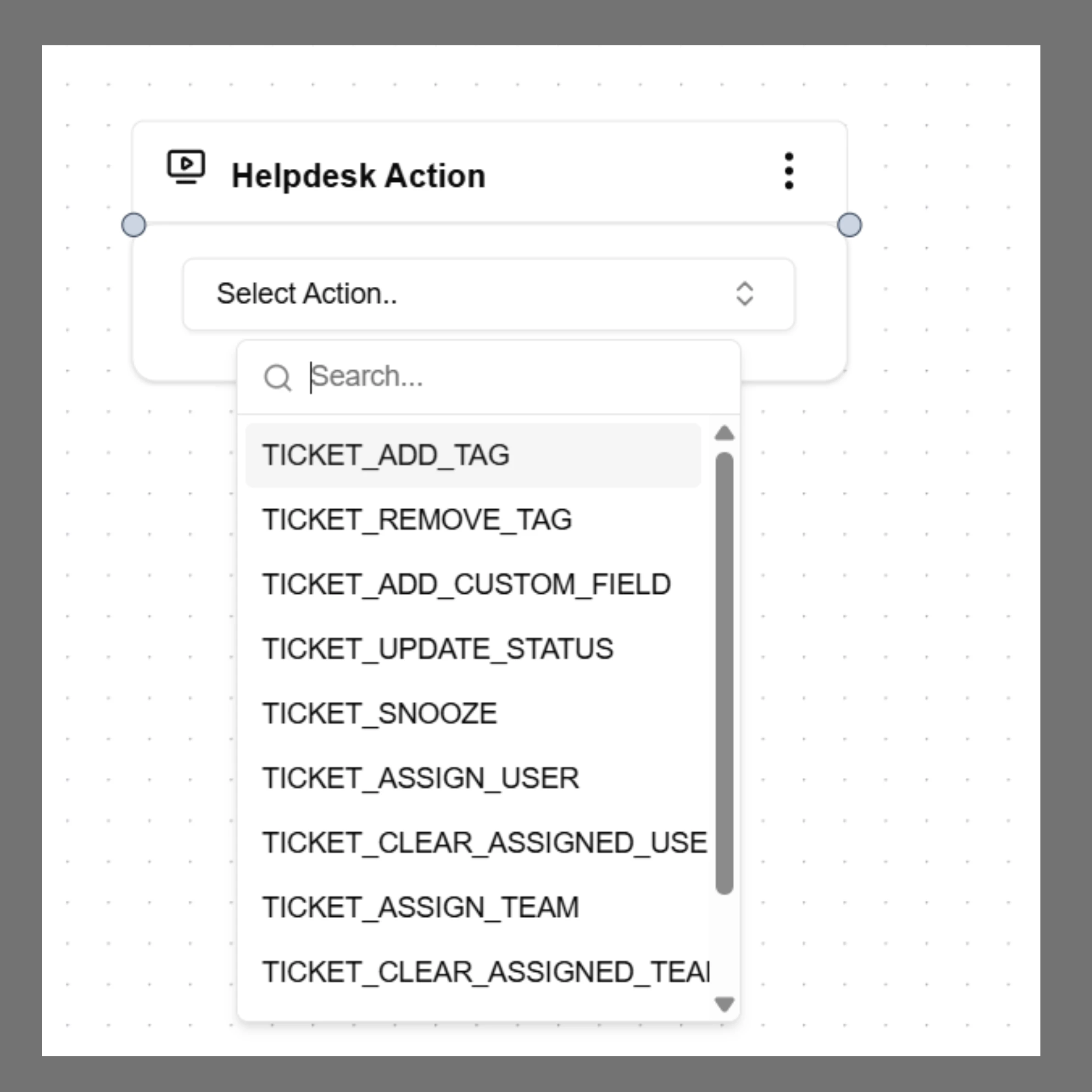
The Helpdesk Action node allows the AI agent to interact with integrated helpdesk systems. This node can automatically update or manage support tickets during a conversation. Supported integrations may include platforms such as Zendesk or Gorgias.
Ha

When to Use

Use Helpdesk Action when the agent needs to:
  • Add tags to support tickets
  • Update ticket status
  • Assign tickets to support teams
  • Snooze or delay tickets
  • Add internal notes

How to Configure

  1. Select Helpdesk Action from the node panel.
  2. Select the action you want the agent to perform.
  3. Connect the node to the next step in the workflow.
When the workflow reaches this node, the selected helpdesk operation is executed automatically.

Example

Example actions include: ticket_add_tag ticket_assign ticket_snooze ticket_update_status These actions help automate customer support workflows.