Documentation Index

Fetch the complete documentation index at: https://docs.sigmamind.ai/llms.txt

Use this file to discover all available pages before exploring further.

Voice is one of the most important configuration decisions for your AI agent. It directly impacts:
  • User experience
  • Trust and engagement
  • Perceived intelligence of the agent
๐Ÿ‘‰ A poor voice choice can make even a well-designed agent feel robotic.
Voice

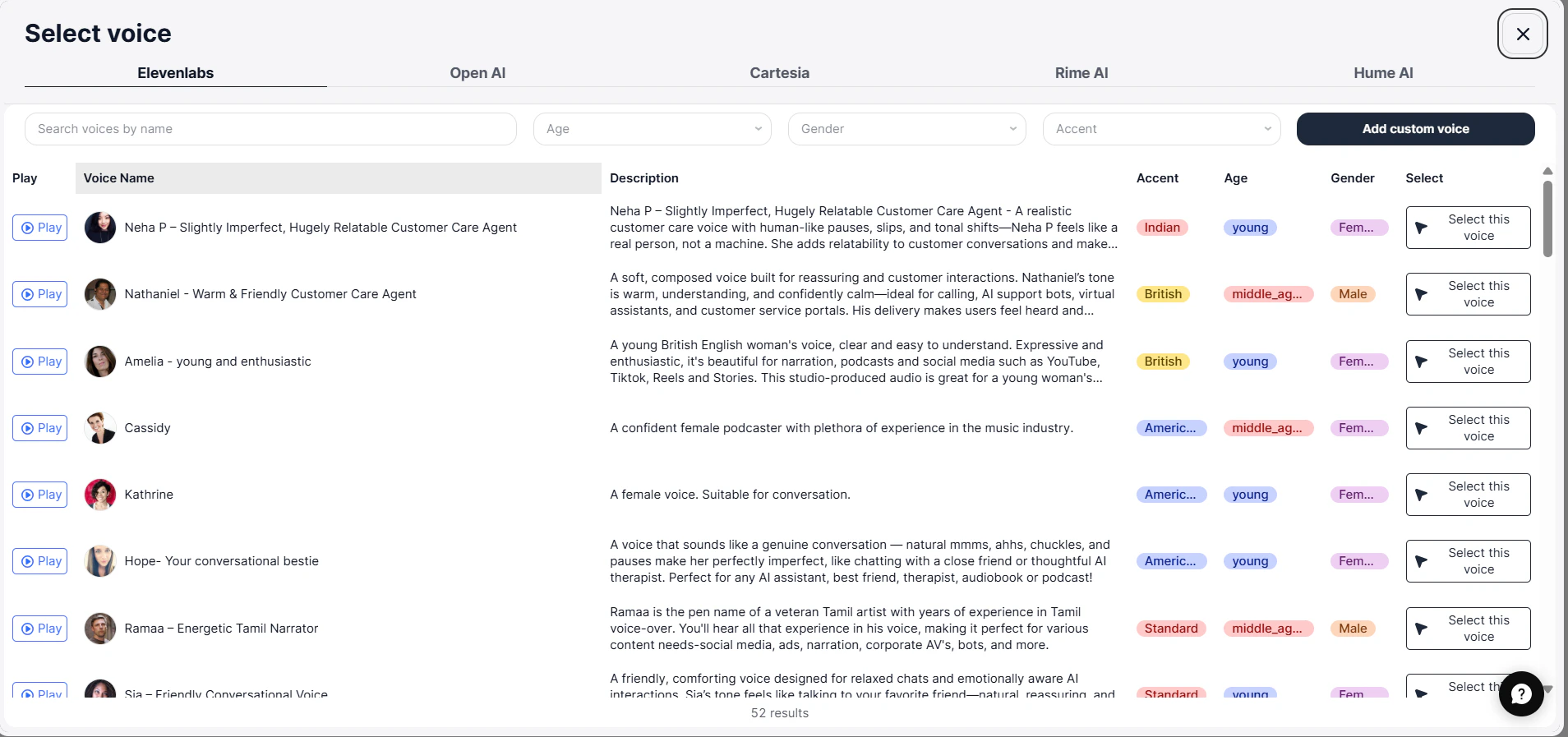
Available Voice Providers

You can choose voices from multiple providers:
  • ElevenLabs
  • OpenAI
  • Cartesia
  • Rime AI
  • Hume AI

How These Providers Differ (Important)

ProviderBest ForNotes
Default Platform VoicesTesting, fast setupBuilt-in, low latency
ElevenLabsProduction, realismMost natural sounding
OpenAIBalanced use casesGood quality + performance
Cartesia / Rime / HumeExperimental / varied stylesDifferent tones & personalities

Recommendation

๐Ÿ‘‰ If youโ€™re unsure:
  • Start with default voices
  • Move to ElevenLabs for production

Step 2: How to Choose the Right Voice

Based on Use Case

Use CaseRecommended Voice
Customer supportNeutral, clear
Sales callsConfident, engaging
India usersIndian accent
Global usersNeutral / American

Based on Audience

  • Older users โ†’ slower, clearer voice
  • Younger users โ†’ slightly energetic
  • Noisy environments โ†’ very clear pronunciation

Strong Recommendation

๐Ÿ‘‰ Donโ€™t choose voice based on preference
๐Ÿ‘‰ Choose based on who will hear it

Step 3: Explore Voices

Use keywords like:
  • โ€œfemaleโ€
  • โ€œindianโ€
  • โ€œyoungโ€
  • โ€œprofessionalโ€

Filters

  • Age
  • Gender
  • Accent
๐Ÿ‘‰ Match voice with your audience geography

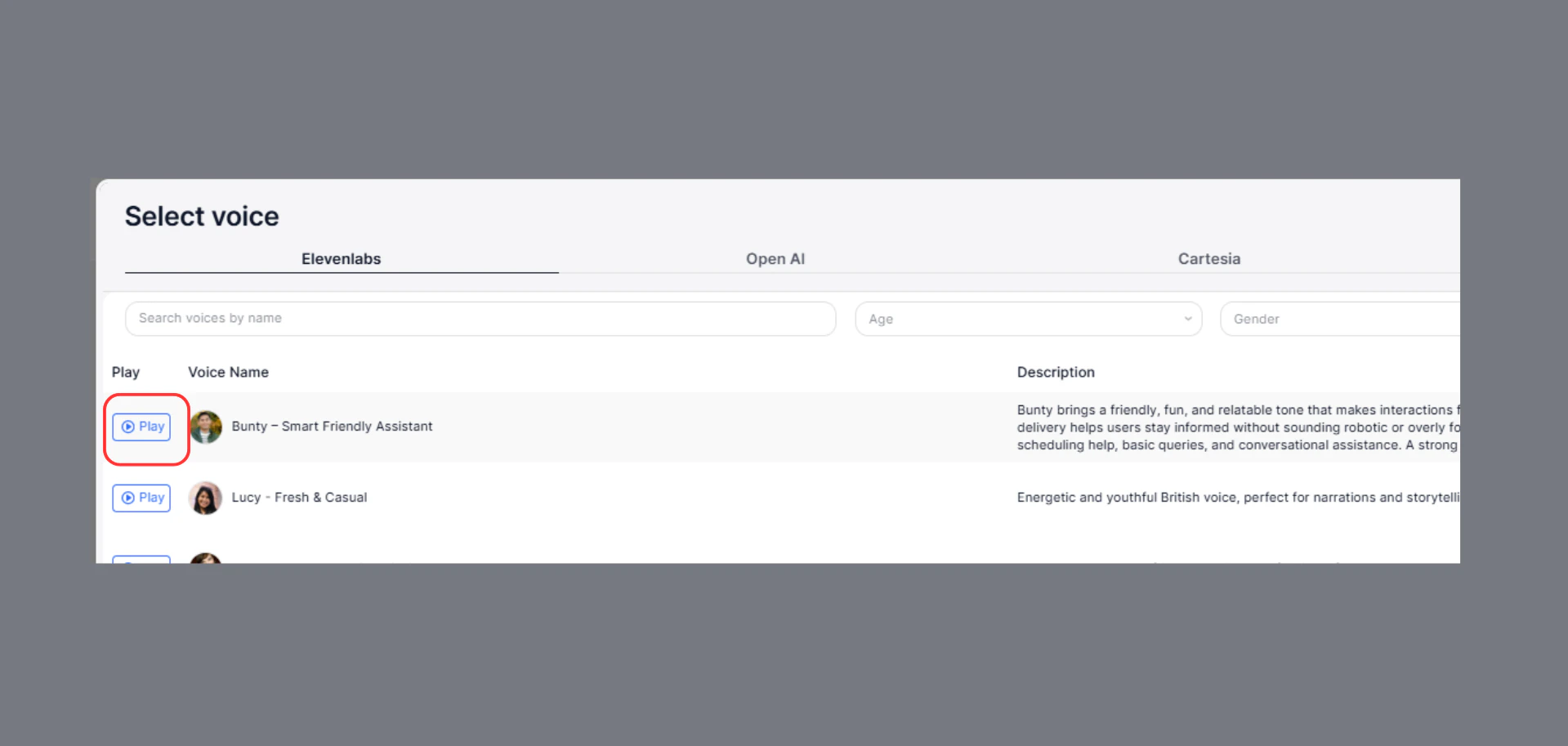
Preview (Critical Step)

Before selecting:
  • Play the sample
  • Check pronunciation
  • Test real phrases
Playvoice
๐Ÿ‘‰ Many voices sound good in preview but fail in real conversations.

Review Voice Details

Each voice includes:
  • Description
  • Accent
  • Age group
  • Gender
Use this to ensure alignment with your use case.

Step 4: Default vs Custom Voices

Default Voices

Use When:

  • Testing
  • Quick setup
  • Internal usage

Pros

  • Fast response
  • Easy to configure

Cons

  • Less natural

Custom Voices (e.g., ElevenLabs)

Use When:

  • Customer-facing agents
  • Sales or support calls
  • Human-like interaction needed

Pros

  • Highly realistic
  • Better engagement

Cons

  • Slightly higher latency

Strong Recommendation

๐Ÿ‘‰ Most production agents should use custom voices
๐Ÿ‘‰ Default voices are mainly for testing

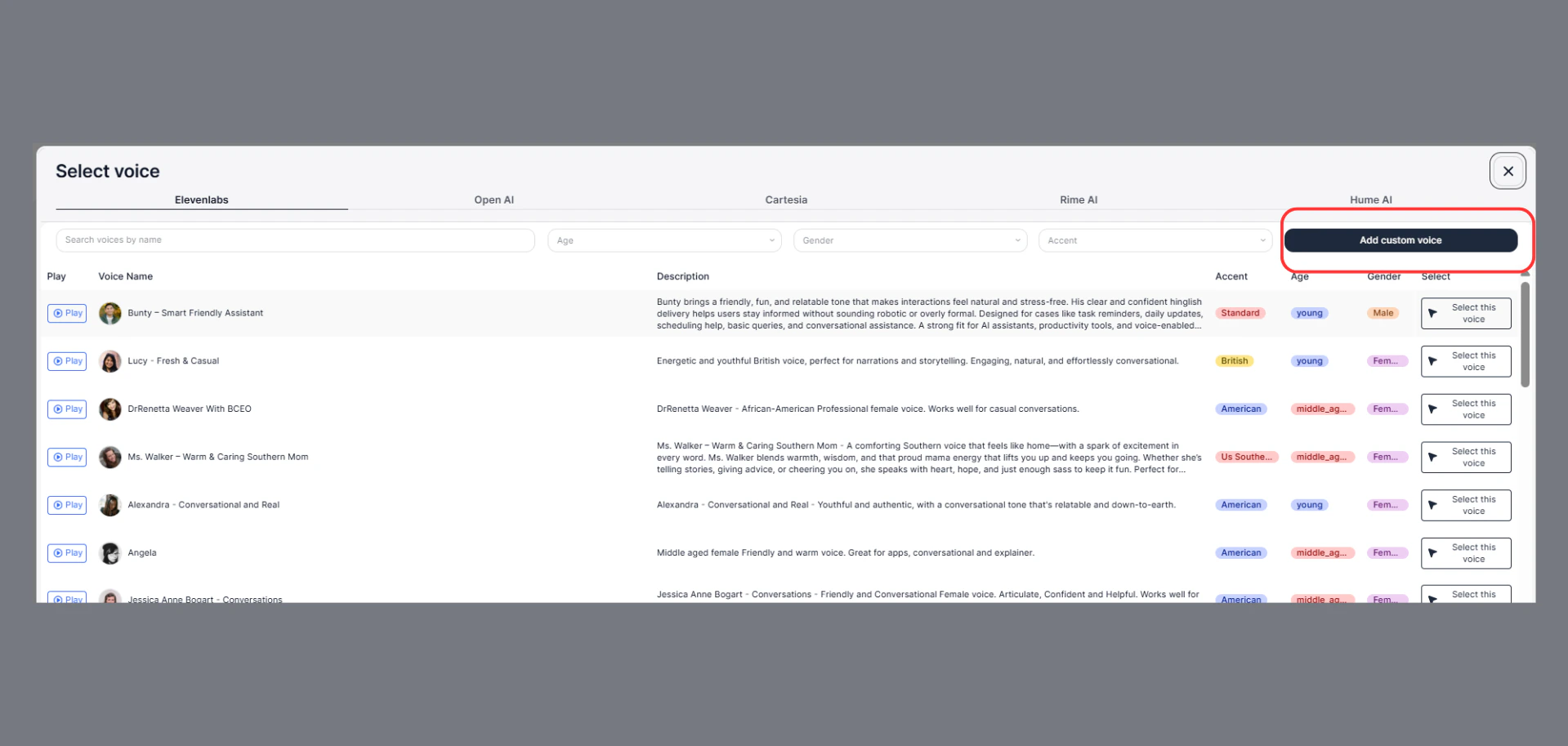
How to Add Custom Voice (ElevenLabs)

Steps:

  1. Go to ElevenLabs dashboard
  2. Select or create a voice
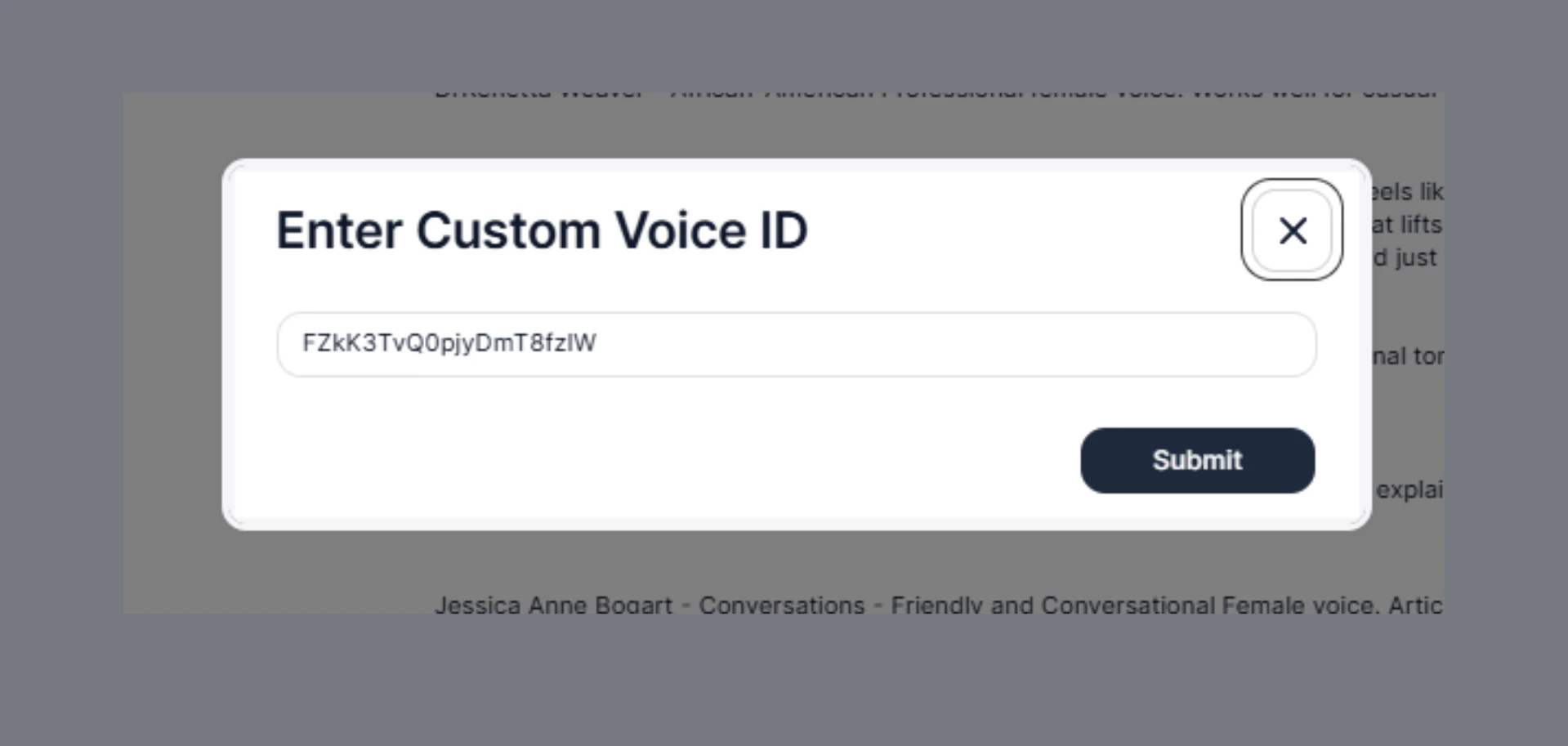
  3. Copy the Voice ID
  4. Go to SigmaMind โ†’ Voice Settings
  5. Paste into Custom Voice
  6. Click Submit
Customvoice

Verify It Works

After adding:
  • Play preview again
  • Confirm voice changed
  • Run a test call

Clear Decision Rule

๐Ÿ‘‰ If your agent talks to customers โ†’ use custom voice
๐Ÿ‘‰ If youโ€™re testing โ†’ use default

Final Recommendation

Start simple โ†’ test โ†’ upgrade to better voice ๐Ÿ‘‰ Voice is not just a setting โ€” itโ€™s part of your product experience