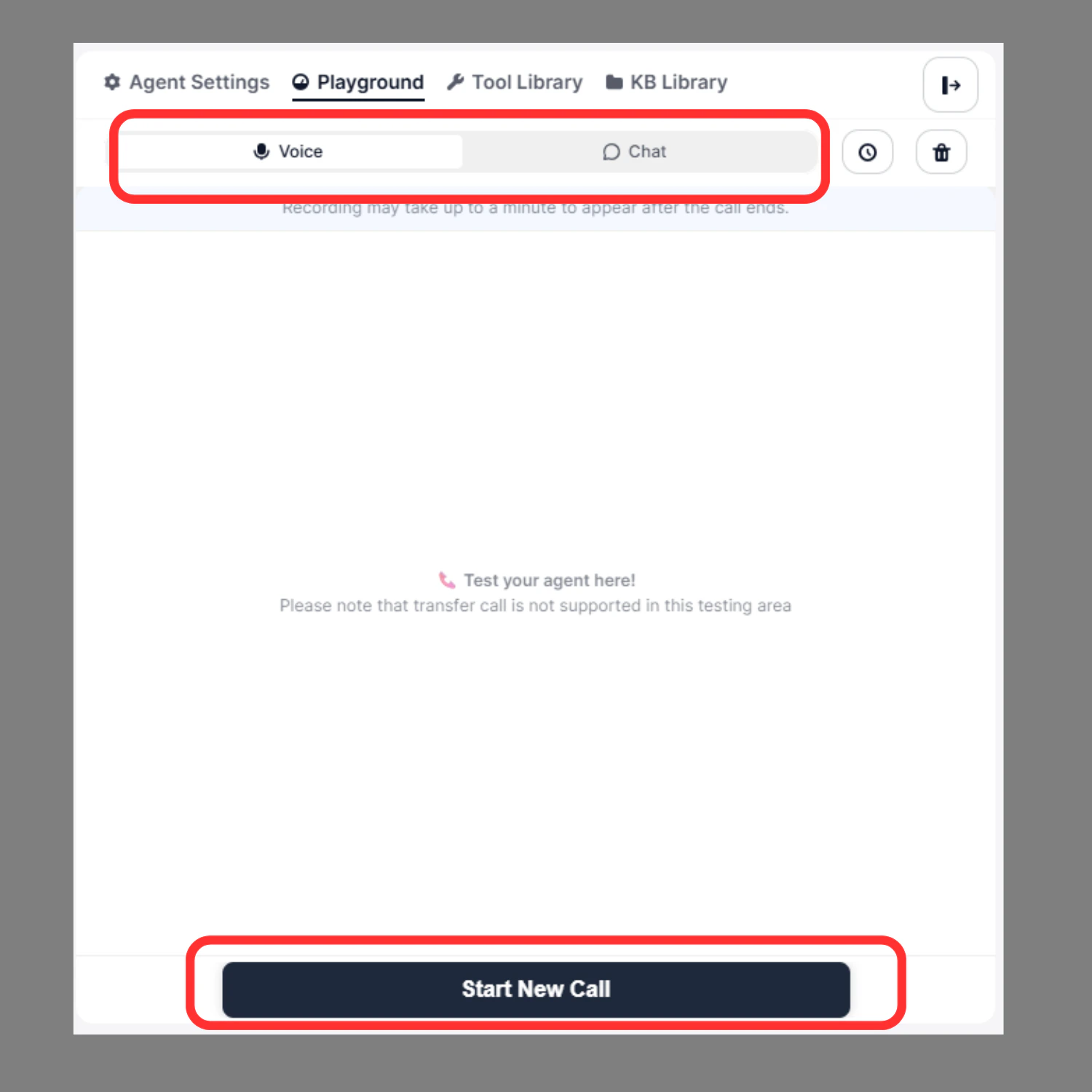
Use Voice mode to simulate real-time call interactions with your agent before going live.
How to Test in Voice Mode
- Switch to Voice tab at the top of the Playground
- Click Start New Call at the bottom
- Speak to the agent as a real caller would
- Listen to the agent’s responses in real time
After the Call Ends
Once the call completes, you can:
- ▶️ Replay the recording
- ⏩ Adjust playback speed
- ⬇️ Download the audio
- Review node execution logs
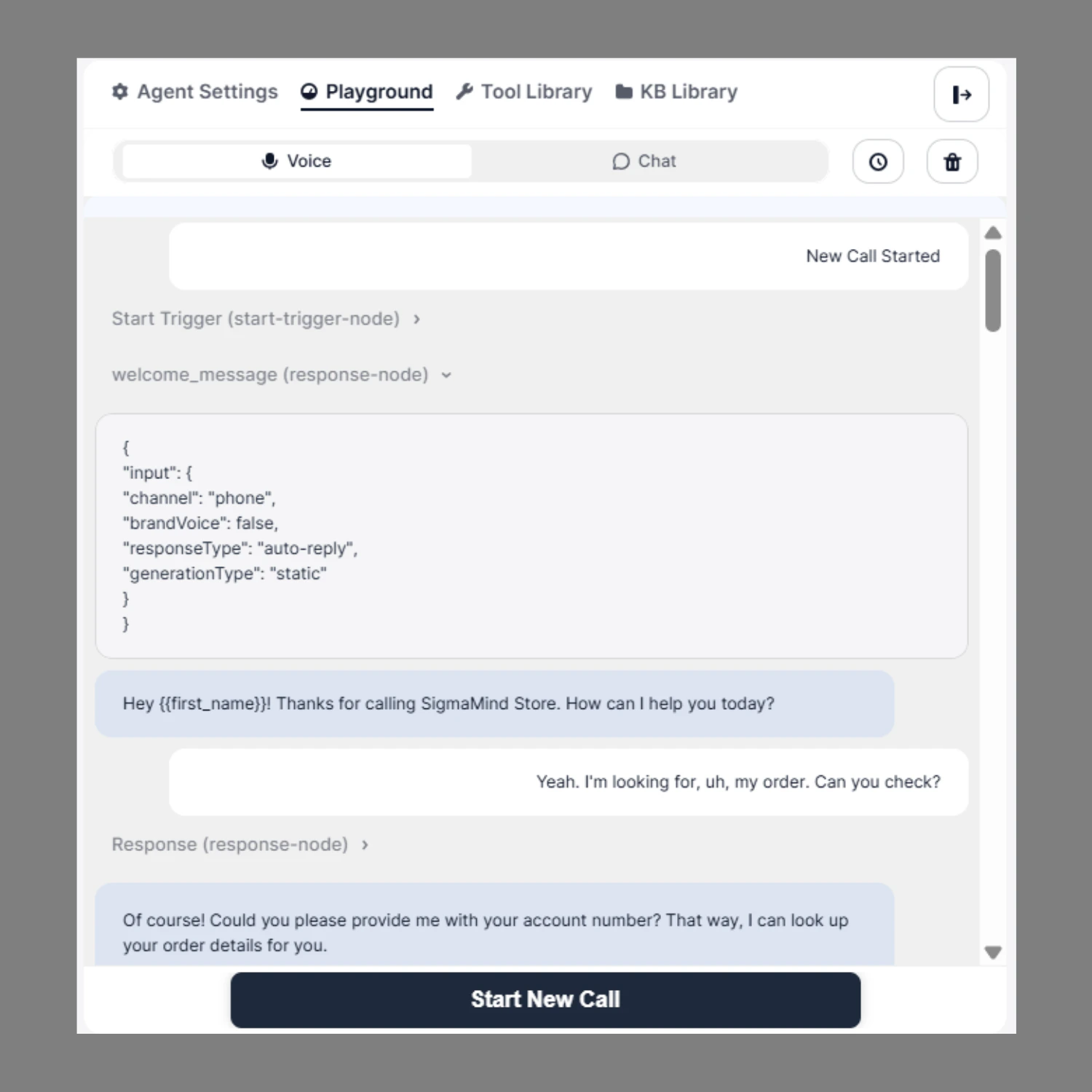
Node Execution Trace
Displays the real-time path the agent follows through connected nodes during the call — useful for debugging workflow behavior.
For each step you can see:
- Which node was triggered
- The exact input it received
- The output it generated
- Whether the action executed successfully
Common node types shown:
Function Call Logs
When your agent triggers an action (e.g. a transfer or API call), the Playground shows:
- Input payload
- Output response
- Execution status
Example:
Use this to verify data mapping, variable passing, and integration accuracy.
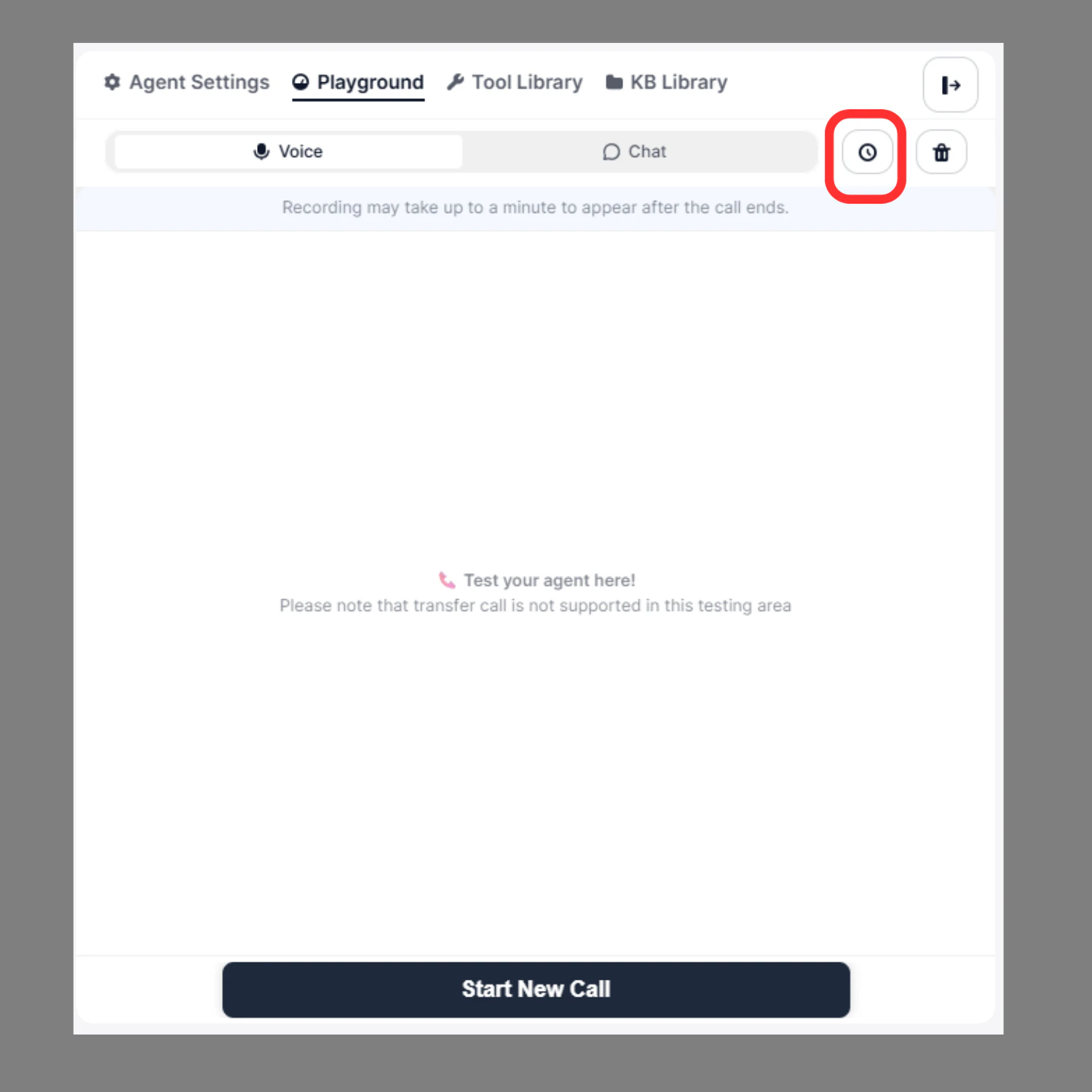
Test History & Restore
On the right side of the Playground, the Test History panel lets you:
- View all previous test sessions
- Click Restore to reload a past conversation
- Re-check transcripts and node execution
Useful for debugging previous issues or validating fixes after making changes.
Real-Time Debugging
If something goes wrong during a test, you can immediately:
- Identify which node failed
- Check incorrect branching
- Inspect variable replacements
- Confirm action execution
Fix the node in Agent Builder and retest — without leaving the Playground.
Best Practice
Before deploying your agent, make sure to:
- Test multiple conversation paths
- Trigger all conditional branches
- Validate all integrations
- Replay voice recordings
- Confirm all actions execute successfully
Only deploy after full Playground validation.