

Voicemail Detection
If a voicemail system is detected, the agent can be configured to:- Hang up the call immediately.
- Leave a voicemail with a pre-configured message.
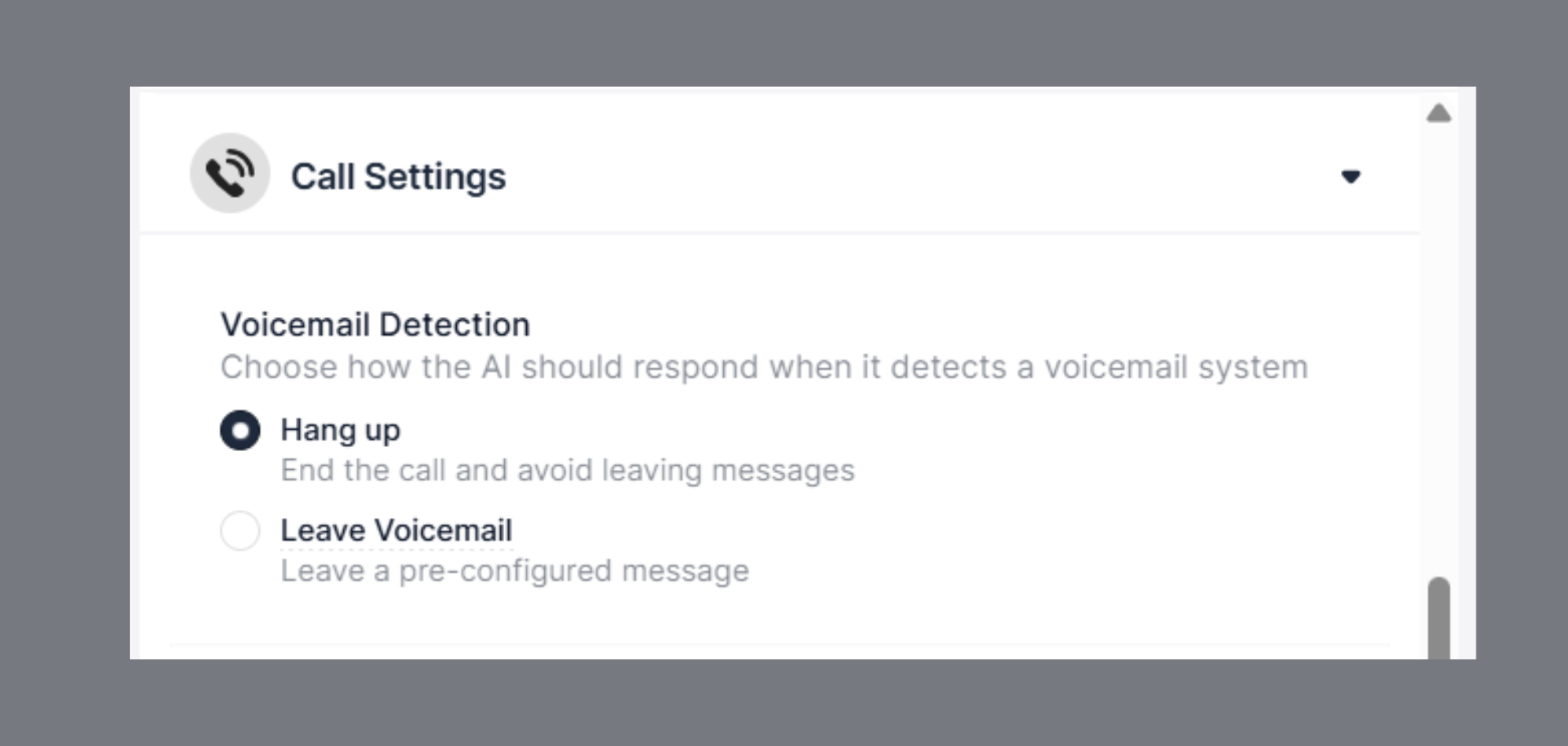
This prevents wasted call time and ensures important messages are delivered even when the customer is unavailable.
IVR Detection
Hang up if the IVR system is detected When enabled, the agent will automatically disconnect upon detecting an IVR (Interactive Voice Response) system. This prevents the agent from getting stuck navigating automated menus.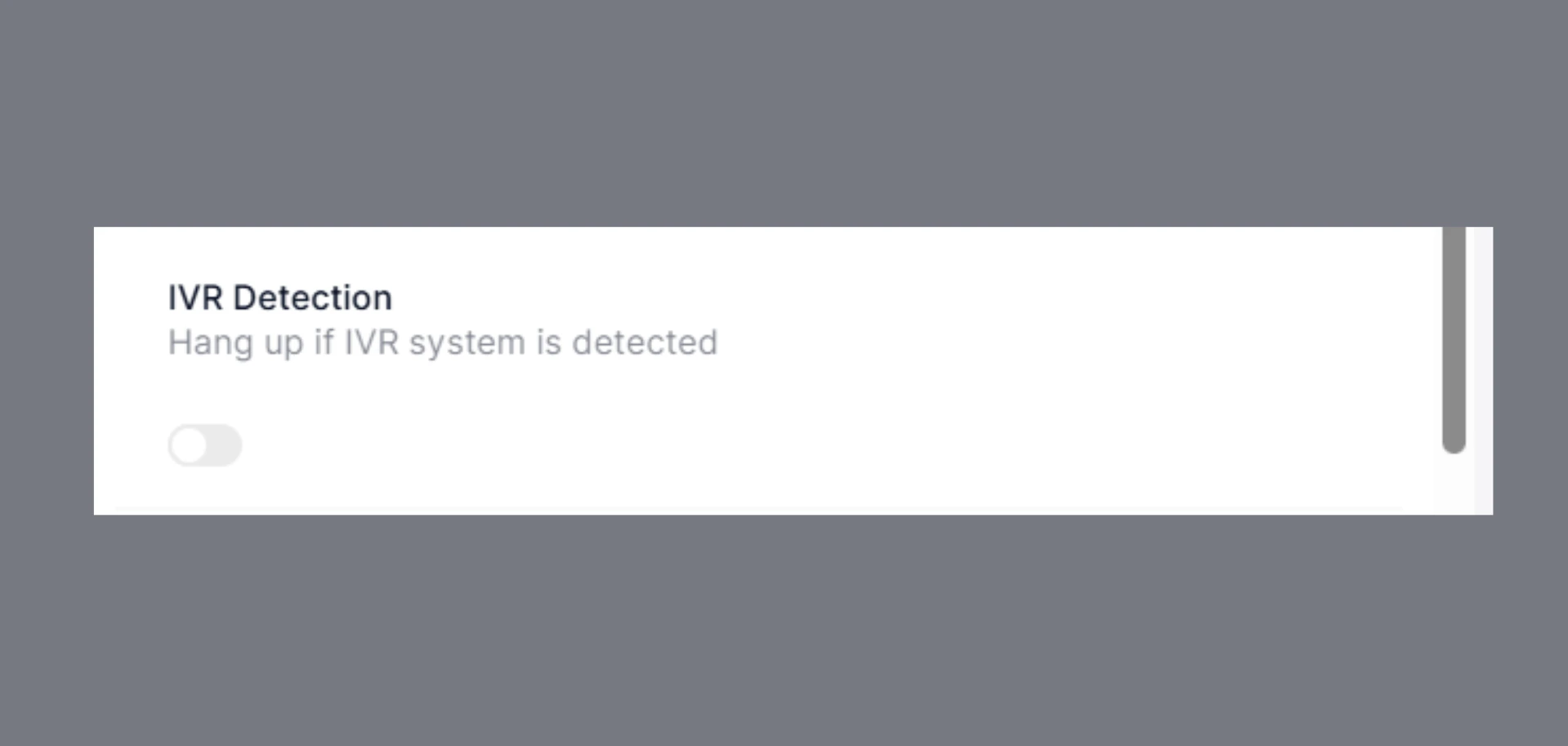
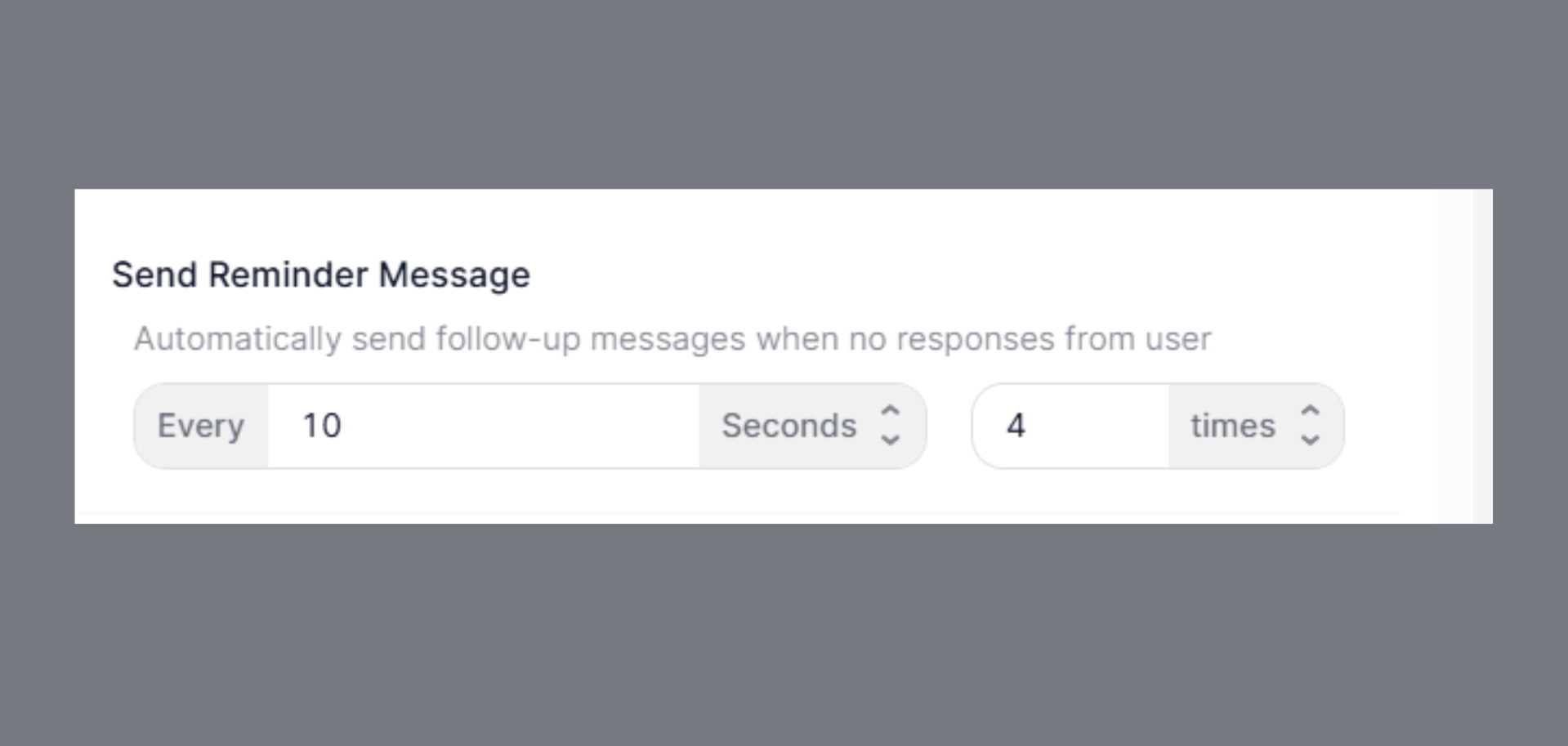
Send Reminder Message
Agents can automatically send reminder messages during a call if the customer is inactive or not responding. You can configure reminders as either:- Time-based → e.g., every 10 seconds.
- Count-based → e.g., up to 4 times.
End call on silence (in minutes)
Agents can also be set to end the call automatically if silence is detected for a configured period. Example:- End call after 30 seconds of silence.
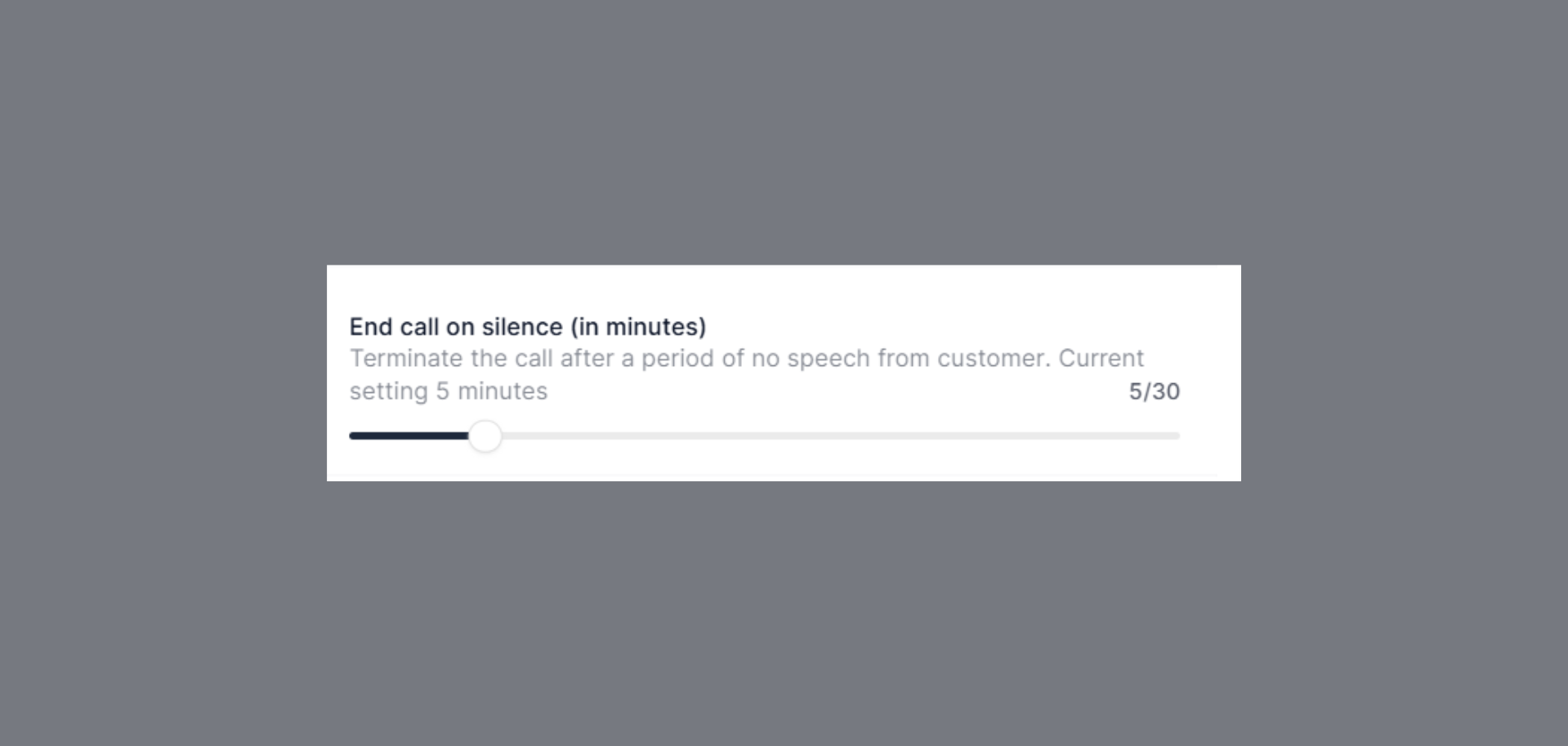
This avoids unnecessary call charges and frees up the agent for new conversations.
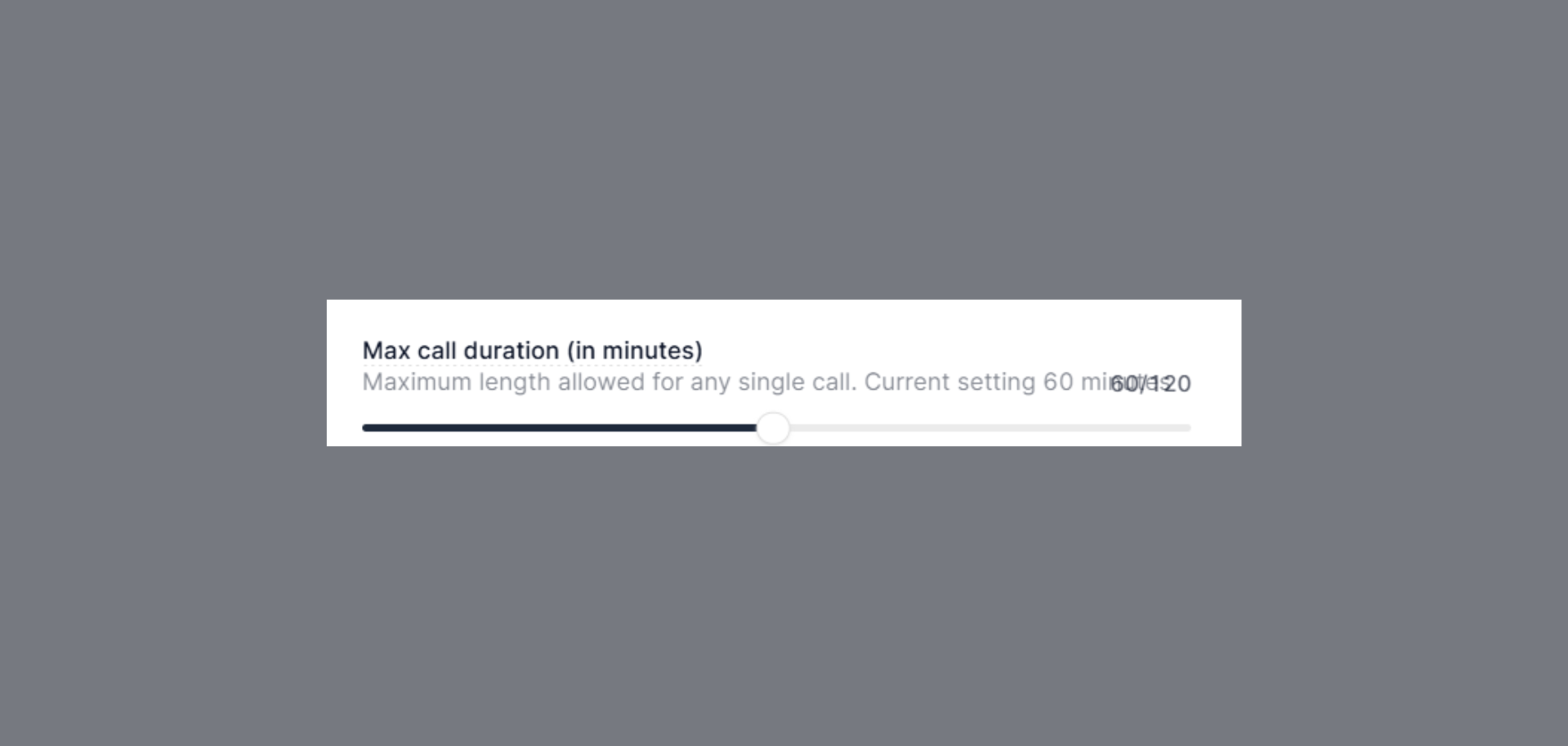
Max call duration (in minutes)
You can define a maximum call duration for each call. Example:- If set to 10 minutes, the call will automatically disconnect once the limit is reached.
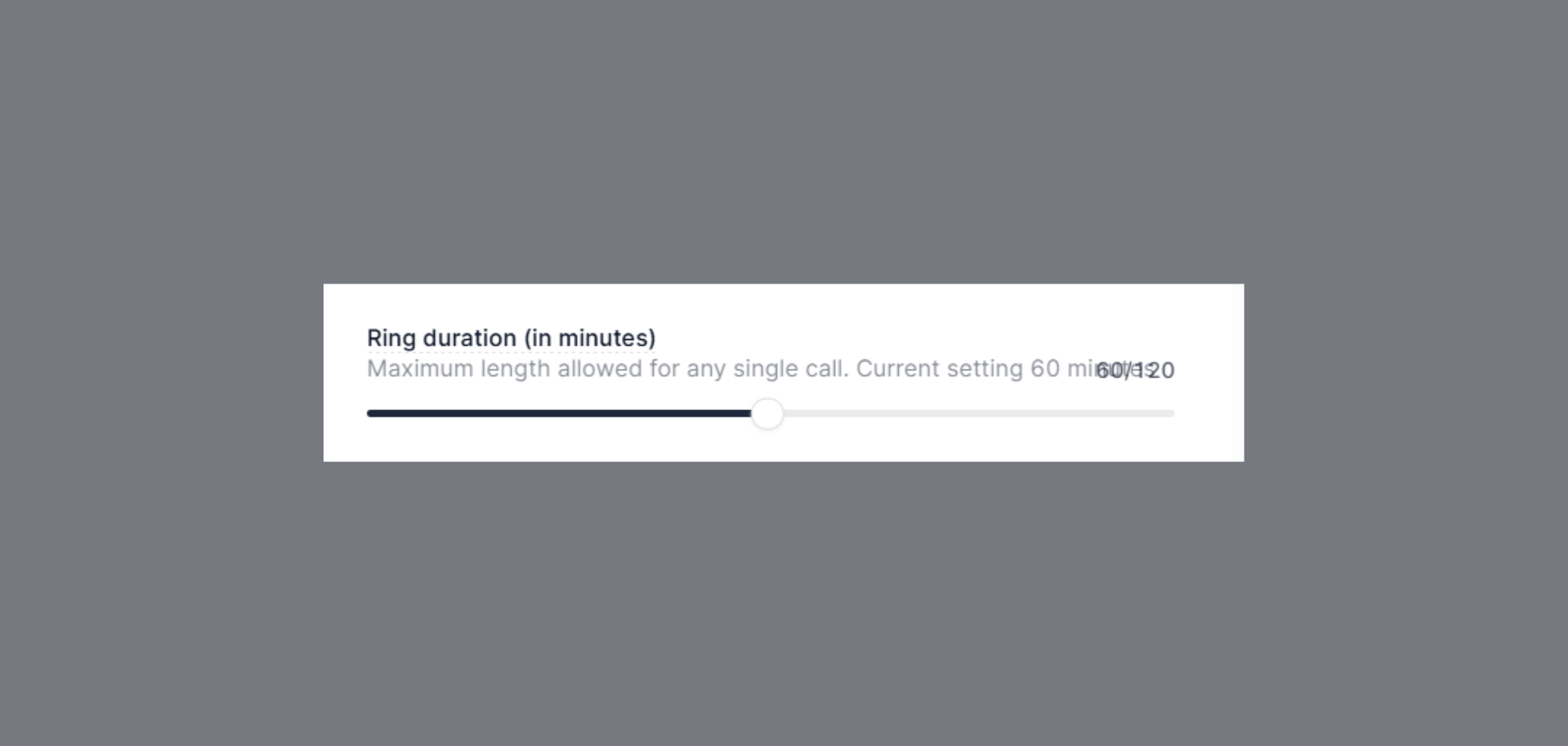
Ring Duration (in minutes)
Define how long the system should keep ringing before the call is unanswered:- Current setting: 60 minutes (out of 120 minutes max)
Summary
- Voicemail Detection → Hang up or leave a voicemail.
- Reminder Messages → Send based on time or count.
- End call on silence (in minutes) → End call after configurable silence duration.
- Max Call Duration → Automatically disconnect calls after a set time.
Call settings give you full control over how long conversations run and how they should end gracefully.