

Supported Authentication Types
SigmaMind AI provides multiple authentication methods to securely connect external applications. You can select the required authentication type based on the API requirements of the app you are integrating.Available Authentication Types
The following authentication types are supported:- Bearer Token – Uses a token generated by the external app (from its API or developer settings) to authenticate requests.
- API Key – Uses a key included in headers or query parameters
- Basic Auth – Uses a username and password combination
- No Auth – Used when no authentication is required
How to Configure Authentication
Follow these general steps to configure authentication:- Open the Tool Library section
- Select the app you want to configure
- Click Configure Authentication
- Select the required Auth Type from the dropdown
- Enter the required authentication details
- Click Submit Authentication
Bearer Token
Bearer Token is the most commonly used authentication method for APIs such as Cal.com..png?fit=max&auto=format&n=c-F9Y7NxUCrvJK6l&q=85&s=d52935d6ece11eed8a9251aceb711b91)
- Select Bearer Token from the Auth Type dropdown
- Enter the token in the Token field
- Click Submit Authentication
API Key
Use this method when the API provides an API key for authentication.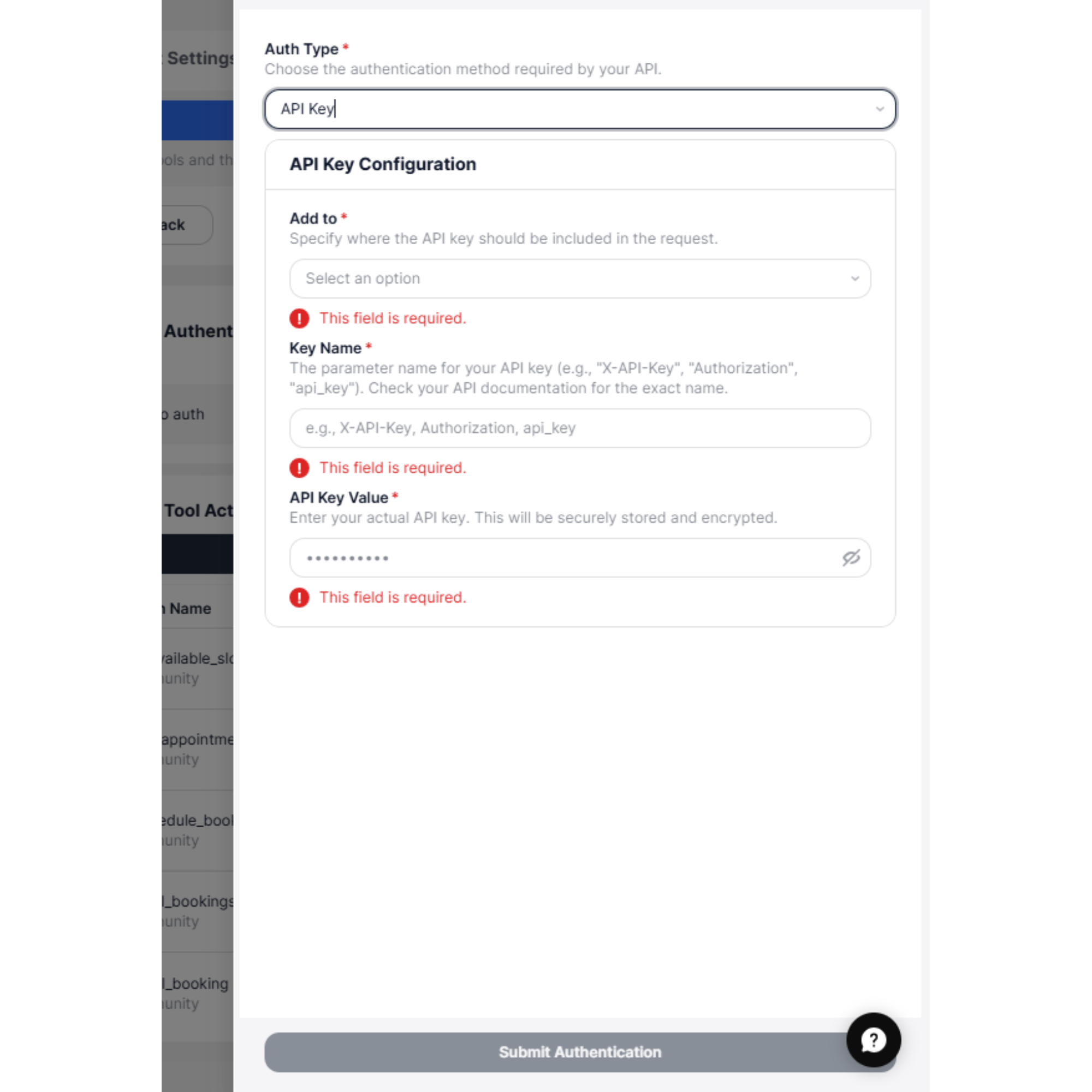
- Add to – Select where the API key should be included:
- Header
- Query Parameter
- Key Name – The parameter name defined by the API (e.g.,
x-api-key,Authorization,api_key) - API Key Value – Your actual API key provided by the service
Basic Auth
Use Basic Auth when the API requires a username and password combination.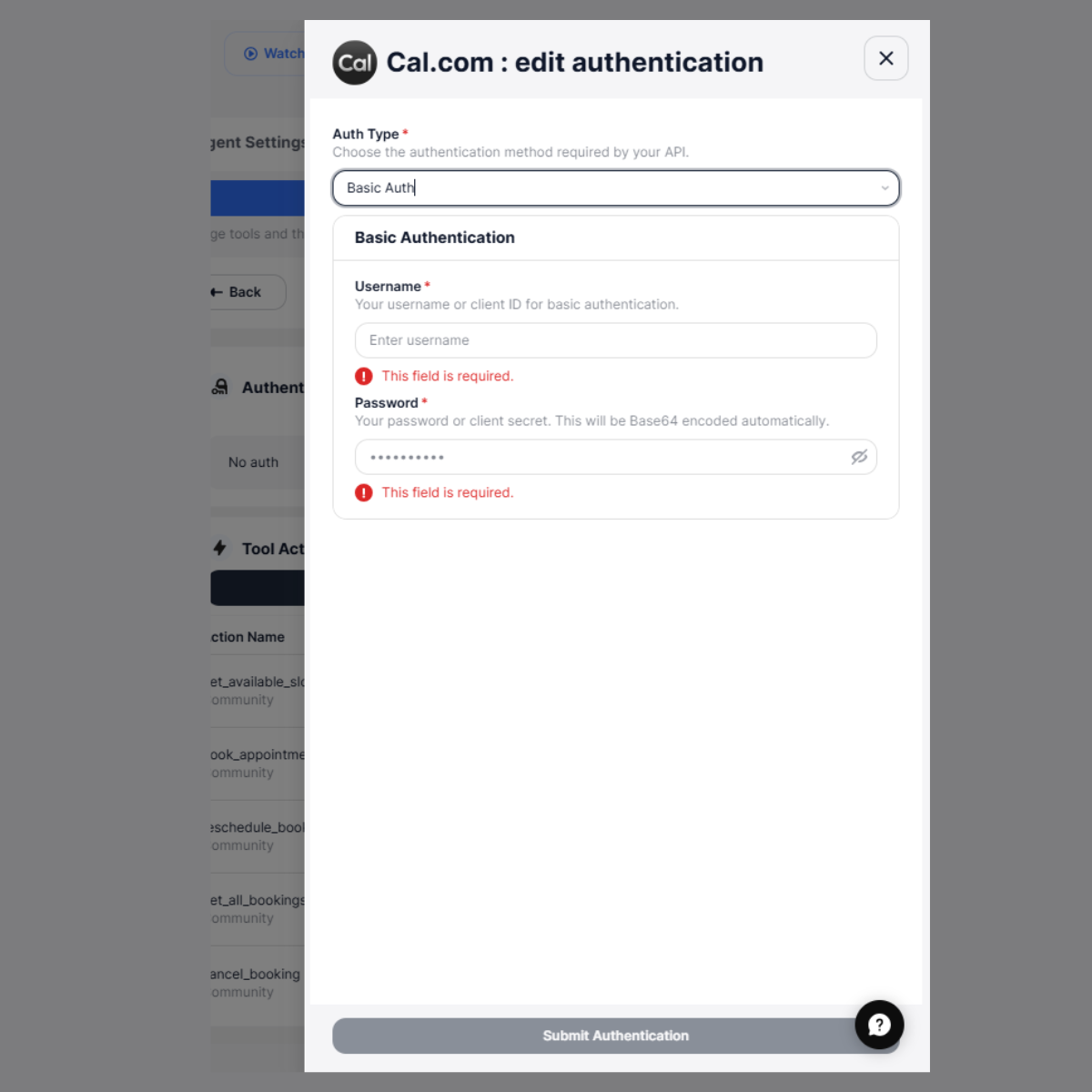
- Username – Your account username or client ID
- Password – Your password or client secret
No Auth
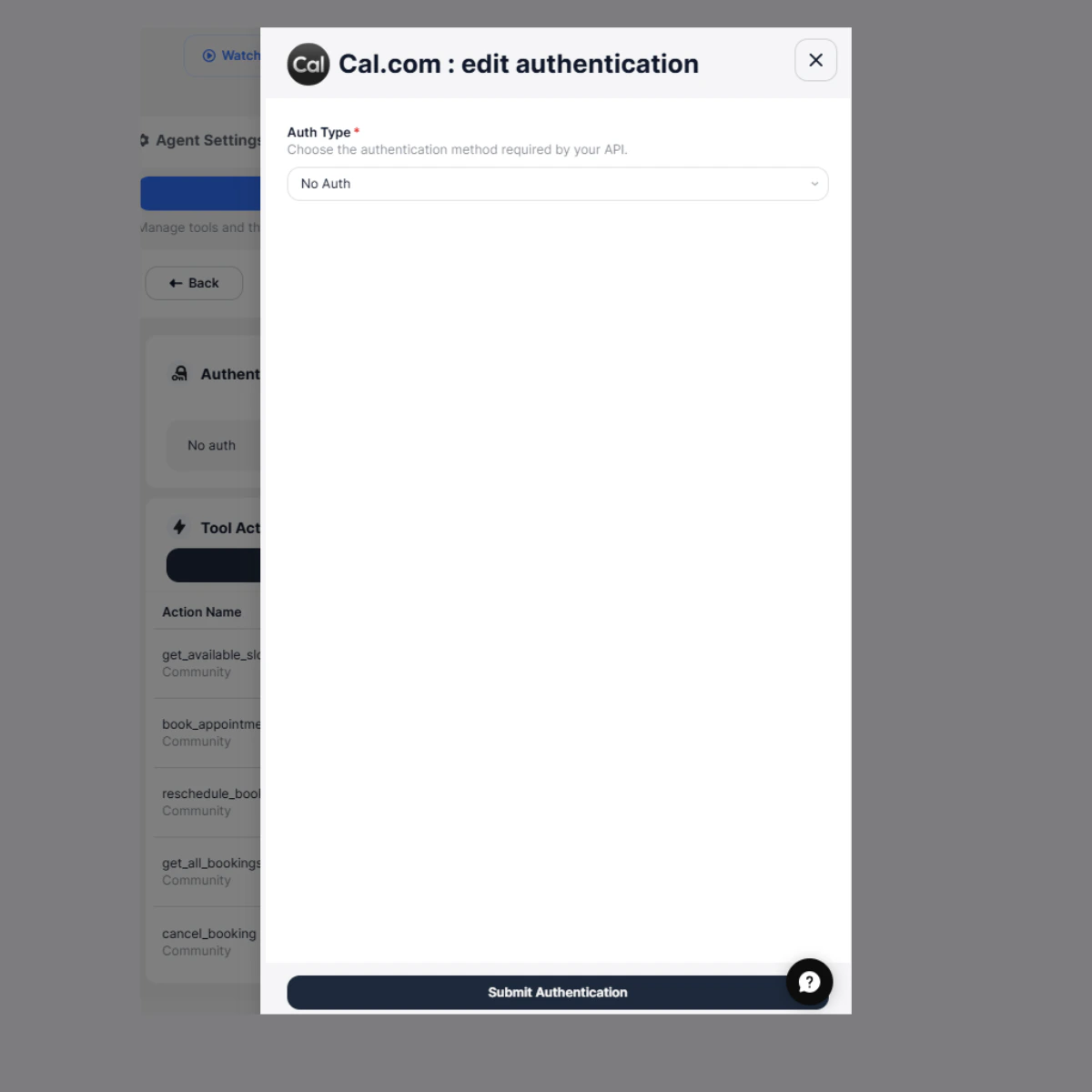
Use this option when:- The API does not require authentication, or
- Authentication is handled in headers manually inside tool actions
How Authentication Works
Once authentication is submitted:- Credentials are securely stored
- Authentication headers are automatically included
- Tool actions can access the connected app
Tool Execution Example
Example: Booking Appointment User: Book an appointment tomorrow at 10 AM What happens internally:- Get available slots
- Book appointment
- Fetch event types
2. Using the API
If you prefer programmatic control, you can use the Integration Auth API to configure authentication.Field Descriptions
- authType → Specifies the authentication method to use (
API_KEY,BEARER,BASIC,NONE) - token → Required when using Bearer Token authentication
- username → Required for Basic Auth (your API username or client ID)
- password → Required for Basic Auth (your password or client secret)
- apiKey → Required when using API Key authentication
- key → The header or query parameter name (e.g.,
x-api-key) - value → The actual API key
- position → Specifies where the API key should be included (
headerorquery) - headers → Optional custom headers that will be included in every request
- key → The header or query parameter name (e.g.,
You can also add new tool to existing apps using the Add Tool option. For detailed instructions, see Add a New Integration