

- Speech clarity
- Transcription accuracy
- Call quality
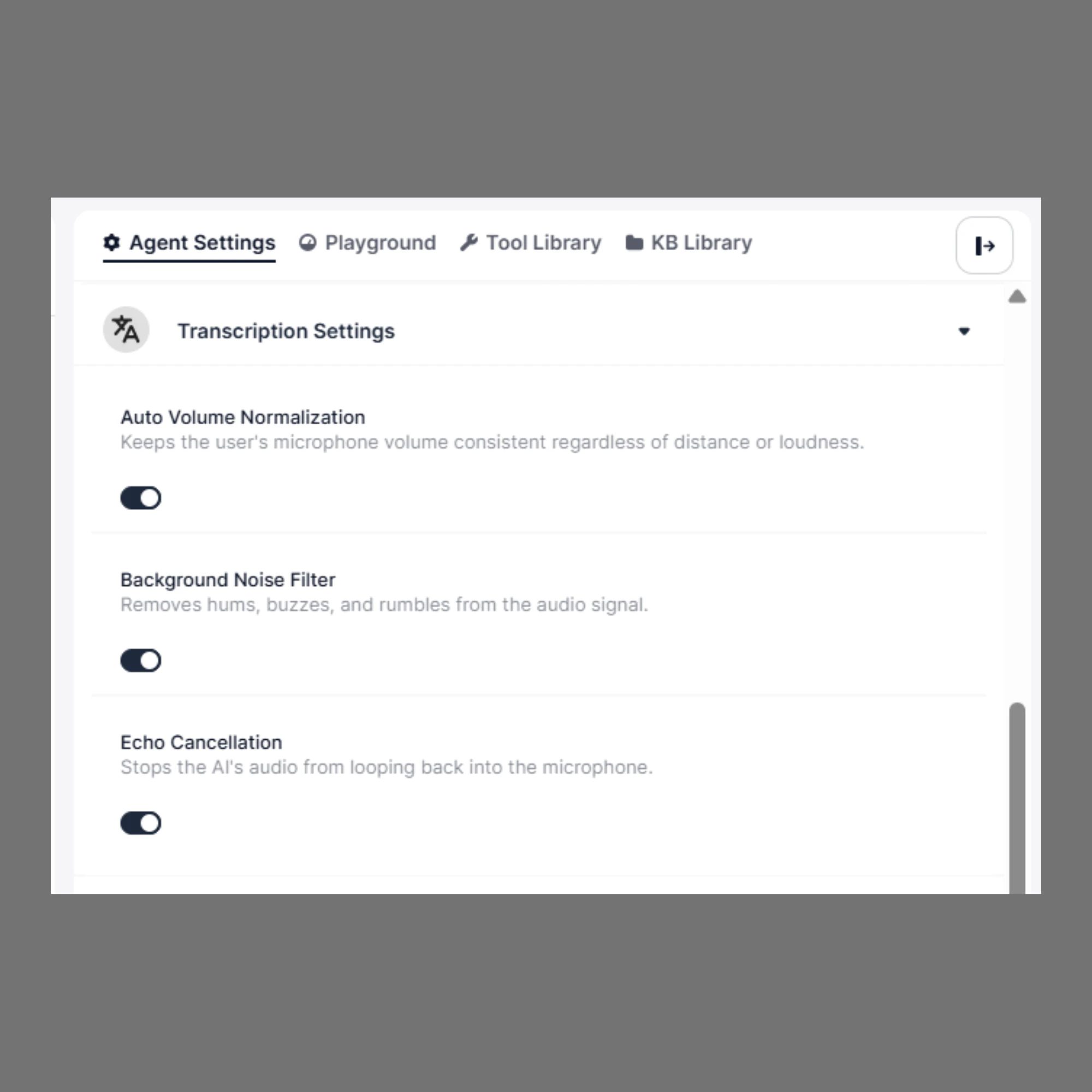
To configure Transcription Settings:
Open your Agent Builder. From the side panel, click Agent Settings. Expand the Transcription Settings section.Available Settings
1. Auto Volume Normalization
Automatically adjusts the speaker’s volume to keep it consistent.When to Use
- Callers speak too softly or too loudly
- Users move away from the microphone
- Mobile or real-world environments
Recommendation
👉 Keep this ON by default for most use cases2. Background Noise Filter
Reduces environmental noise such as:- Fan or AC sounds
- Traffic noise
- Office background chatter
When to Use
- Noisy environments
- Outdoor calls
- Call centers with background activity
Recommendation
👉 Enable this if your users are not in a quiet environment3. Echo Cancellation
Prevents the system’s audio from being picked up again by the microphone.When to Use
- Speakerphone or loudspeaker usage
- Open environments
- Cases where echo is noticeable
Recommendation
👉 Keep this ON, especially for voice callsHow to Choose the Right Settings
- Quiet environment (office/home):
- Noise Filter → Optional
- Echo Cancellation → ON
- Volume Normalization → ON
- Noisy environment (call center/outdoor):
- Noise Filter → ON
- Echo Cancellation → ON
- Volume Normalization → ON
Why These Settings Matter
Poor audio quality can lead to:- Incorrect transcription
- Misunderstood user intent
- Broken conversation flow
Summary
- Auto Volume Normalization → Keeps audio levels consistent
- Background Noise Filter → Removes environmental noise
- Echo Cancellation → Prevents audio feedback