Tool Actions allow the agent to interact with external applications such as booking systems, CRMs, or databases. Use Tool Actions when the agent needs to perform operations outside the conversation.
Toolcall
To configure:
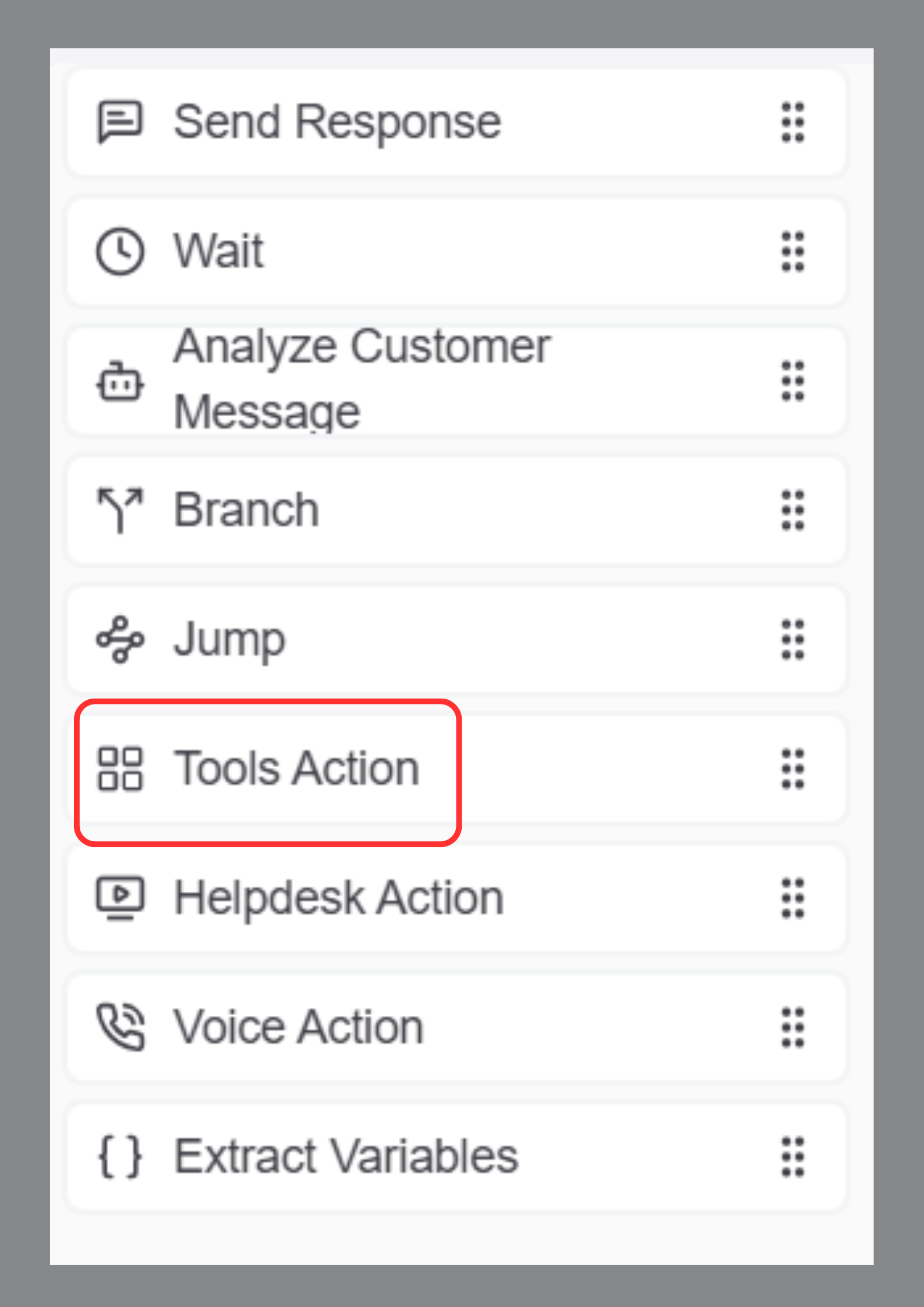
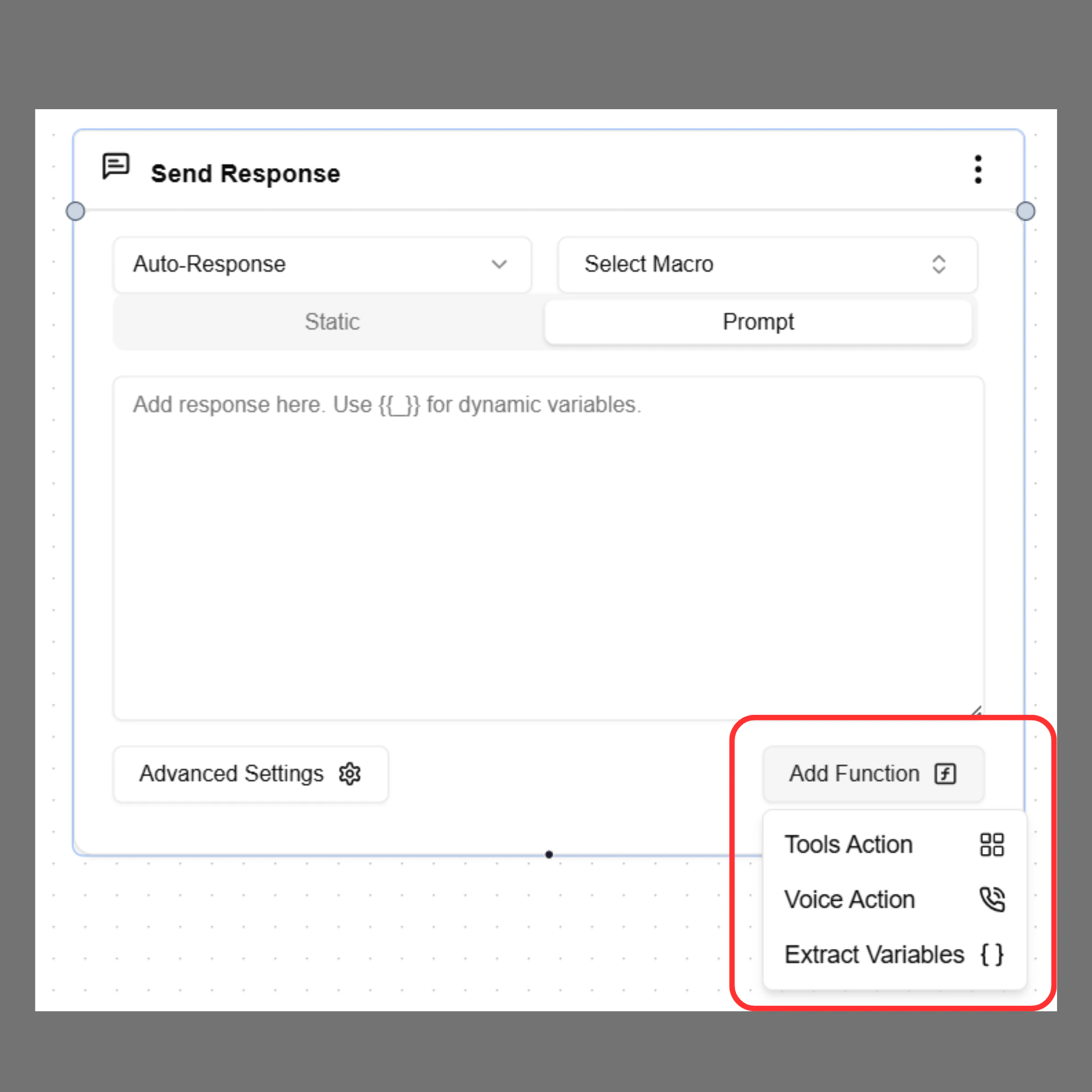
  1. Select Tool Action from the node panel or from the Response node → Add Function
    Toolcallrn
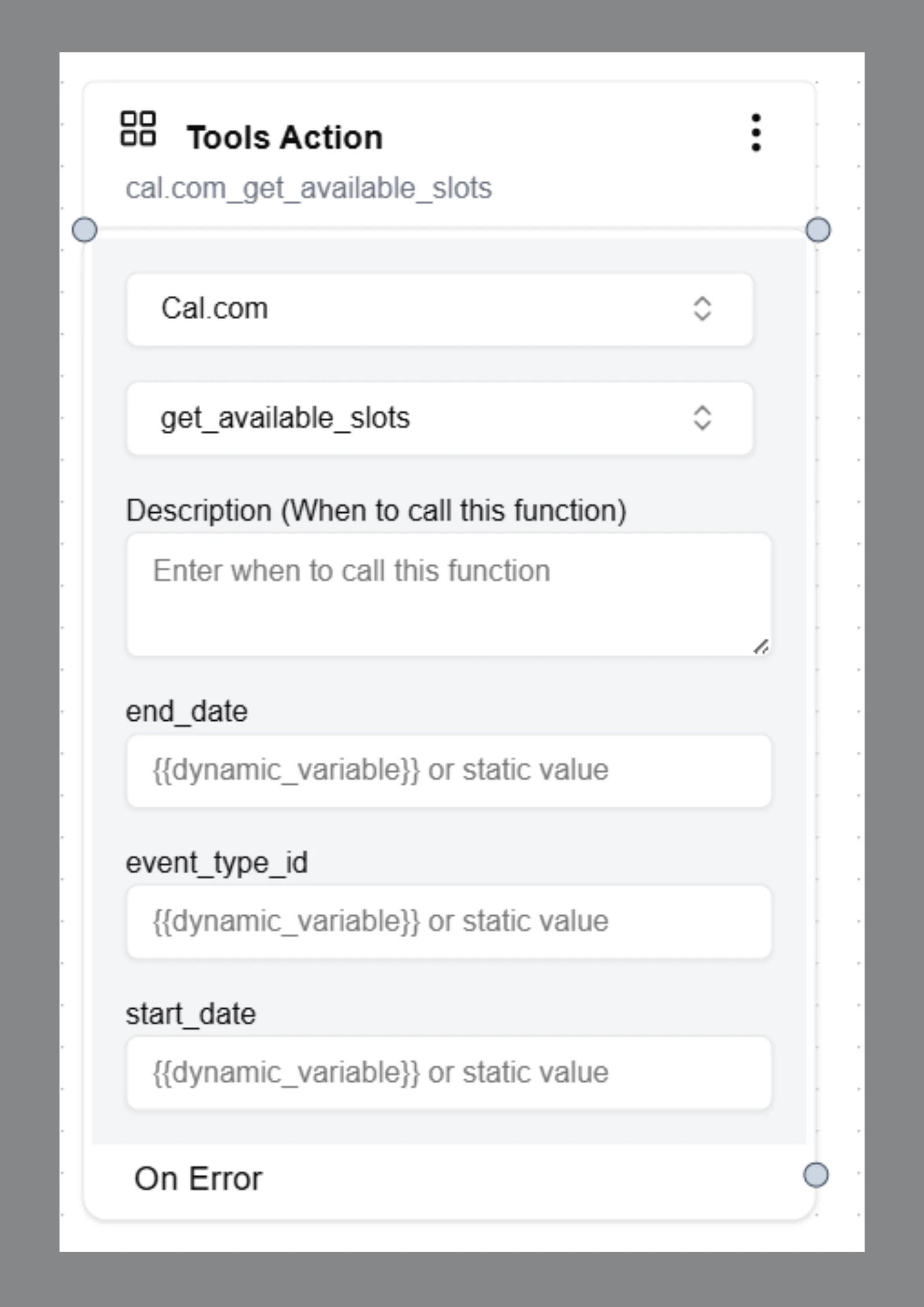
  2. Select the App / Tool
  3. Select the Action
  4. Add a Description(optional)
  5. Configure the required fields
Example actions:
get_available_slots
book_appointment
update_crm
Toolcall 1

Function Description (Optional)

Each function includes a Description field that explains when the agent should call the function. Example:
Call this function after collecting the appointment date.
This helps the AI agent determine the correct moment to trigger the action.