

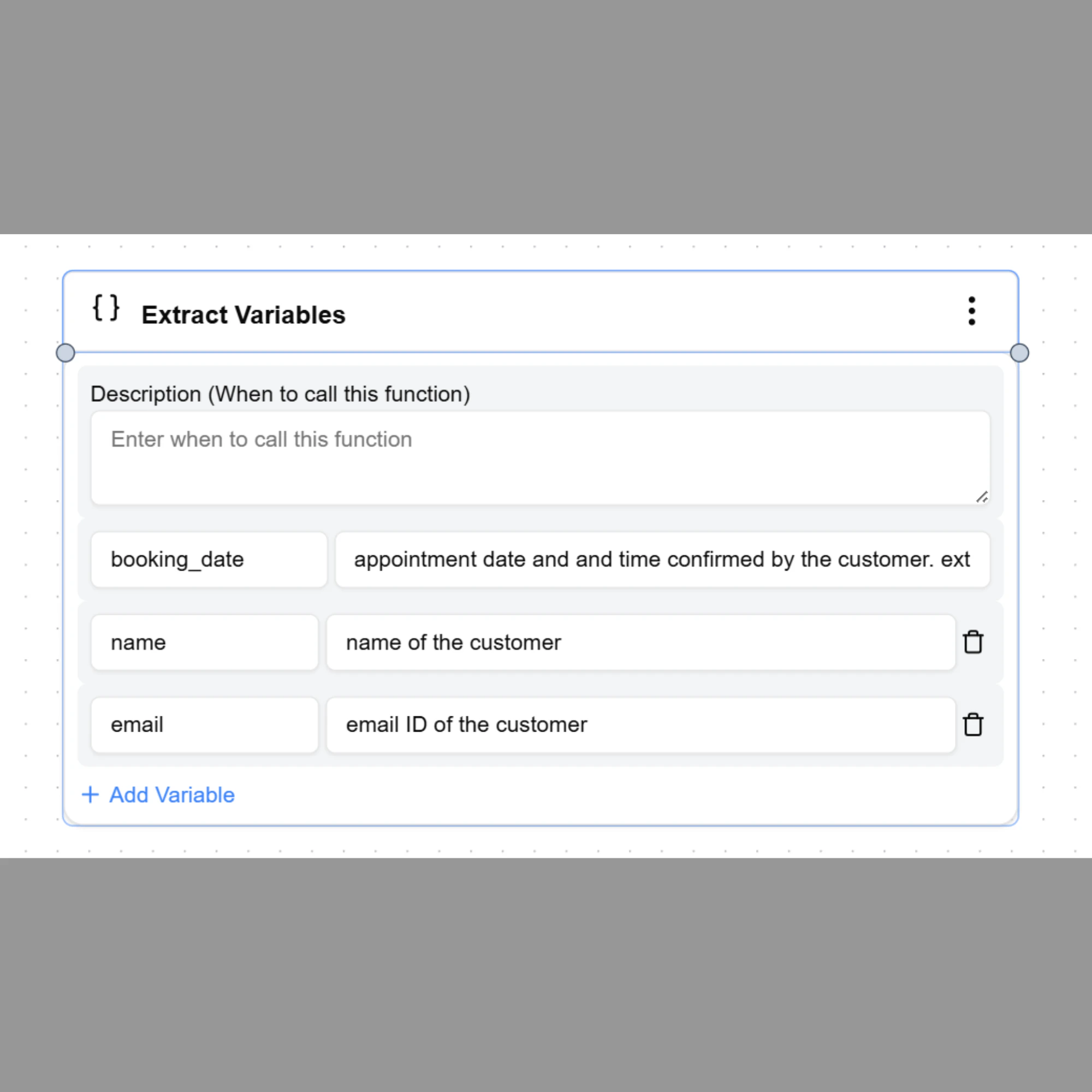
When to Use
Use Extract Variables when the agent needs to capture information during an ongoing conversation. Common examples include:- Customer name
- Phone number
- Email address
- Appointment date
- Order ID
- Service request
How to Add the Node
In Conversational Flow, you can add Extract Variables in two ways: Option 1 — From the Node Panel- Select Extract Variables from the left node panel
- The node appears on the workflow canvas
- Configure the variables to extract
- Open the Response node
- Select Add Function
- Select Extract Variables
- Configure the variables
Defining Variables
Variables must always be written using double curly braces. Example format:Example Workflow
Example scenario: User message:Using Extracted Variables
Once extracted, variables can be used in different nodes across the workflow. Example usage in a response:Best Practices
- Use clear variable names such as
customer_nameorappointment_date - Extract only the information required for the workflow
- Reuse variables across multiple nodes to avoid asking the same question again
- Keep variable names consistent across the agent