

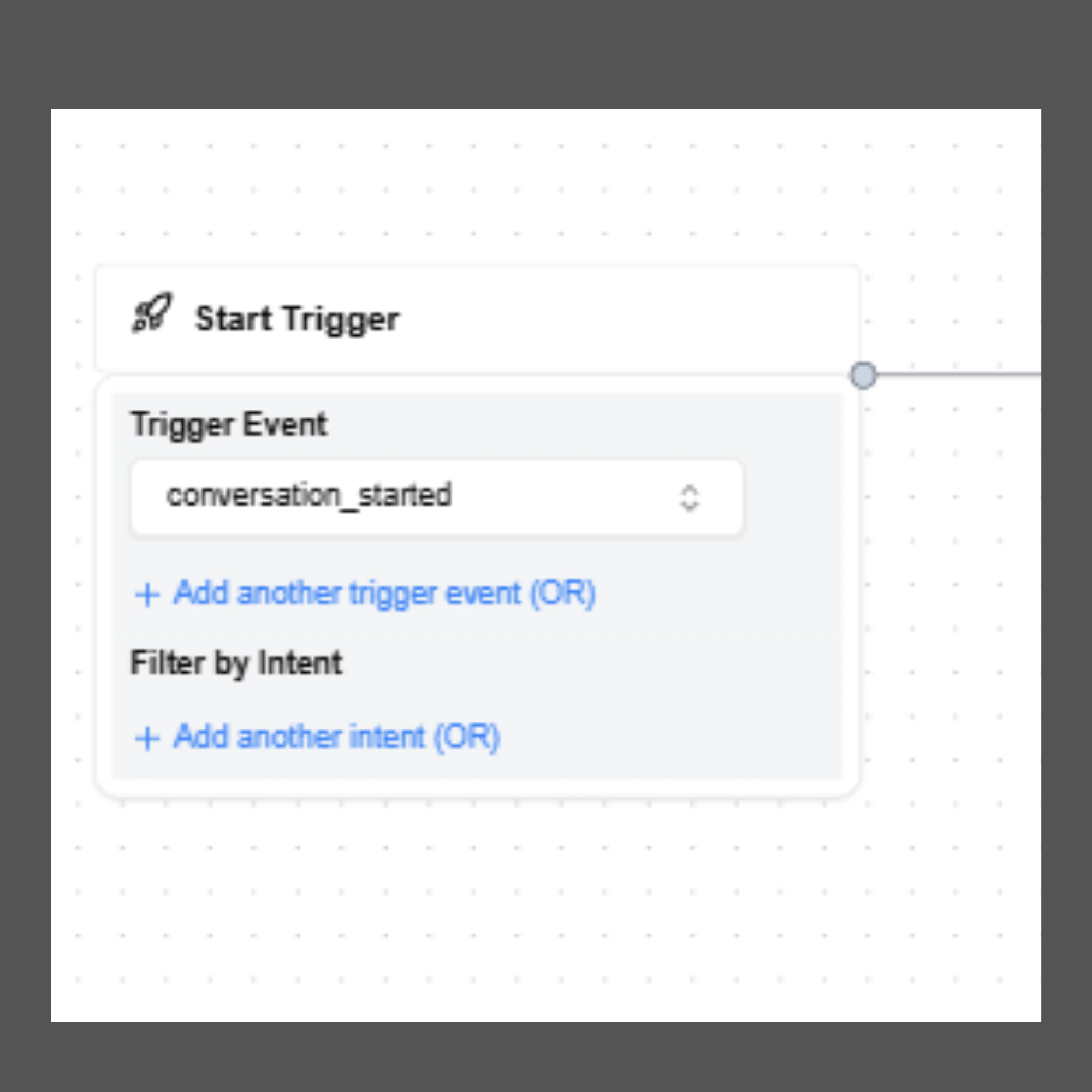
Trigger Event
The Trigger Event specifies the event that activates the AI agent. Currently, SigmaMind supports only one trigger event: Conversation Started This event activates the agent whenever a new conversation begins across supported communication channels. Since this is the only supported trigger at the moment, it is automatically configured and cannot be changed or deleted.Common Use Cases
Using Conversation Started allows the AI agent to respond immediately when a user interaction begins. Examples include:- A customer starting a conversation through Helpdesk Chat
- A support request received through Helpdesk Email
- A conversation initiated through Slack or WhatsApp
- An inbound phone call from a customer
- An outbound call initiated by the system (for example, a scheduled callback)
Trigger Configuration Options
Although the trigger event itself cannot be changed, developers can configure additional settings within the Start Trigger node to control how the workflow begins.Add Multiple Trigger Conditions
You can define additional trigger conditions using OR logic. This means the agent workflow will start if any one of the configured conditions is satisfied. This flexibility allows a single agent to handle multiple entry scenarios without requiring separate workflows.Filter by Intent (Inbound AI Agents)
The Filter by Intent option allows developers to restrict agent execution to specific types of customer requests.How It Works
When enabled, the AI agent will activate only if the customer’s initial message matches one of the preconfigured intents available in AI Studio. SigmaMind AI includes over 200 predefined intents, trained on millions of real customer queries to accurately detect user intent. The agent is triggered only when SigmaMind AI has more than 95% confidence in the detected intent. If the confidence score is lower than this threshold, the agent will not be triggered, helping prevent incorrect intent classification and improving reliability.Benefits of Intent Filtering
Intent filtering enables developers to create more targeted and specialized AI workflows.Intent-Based Routing
Different agents can handle different customer needs depending on the detected intent. Examples include:- Billing inquiries routed to a billing support workflow
- Shipping questions routed to an order tracking workflow
Workflow Automation
Intent filtering also enables advanced automation such as:- Offering discounts before cancellation
- Confirming shipping status before processing returns
- Separating FAQ responses from transactional support
Important NoteIntent filtering is most useful for inbound text-based conversations, such as chat or email, where the customer’s first message can be analyzed before the agent responds.For voice calls, the AI agent usually speaks first before the customer provides input. In these cases, intent filtering in the Start Trigger may not be necessary.Instead, developers can use the Analyze Customer Message node later in the flow to detect the customer's intent and route the conversation accordingly.