

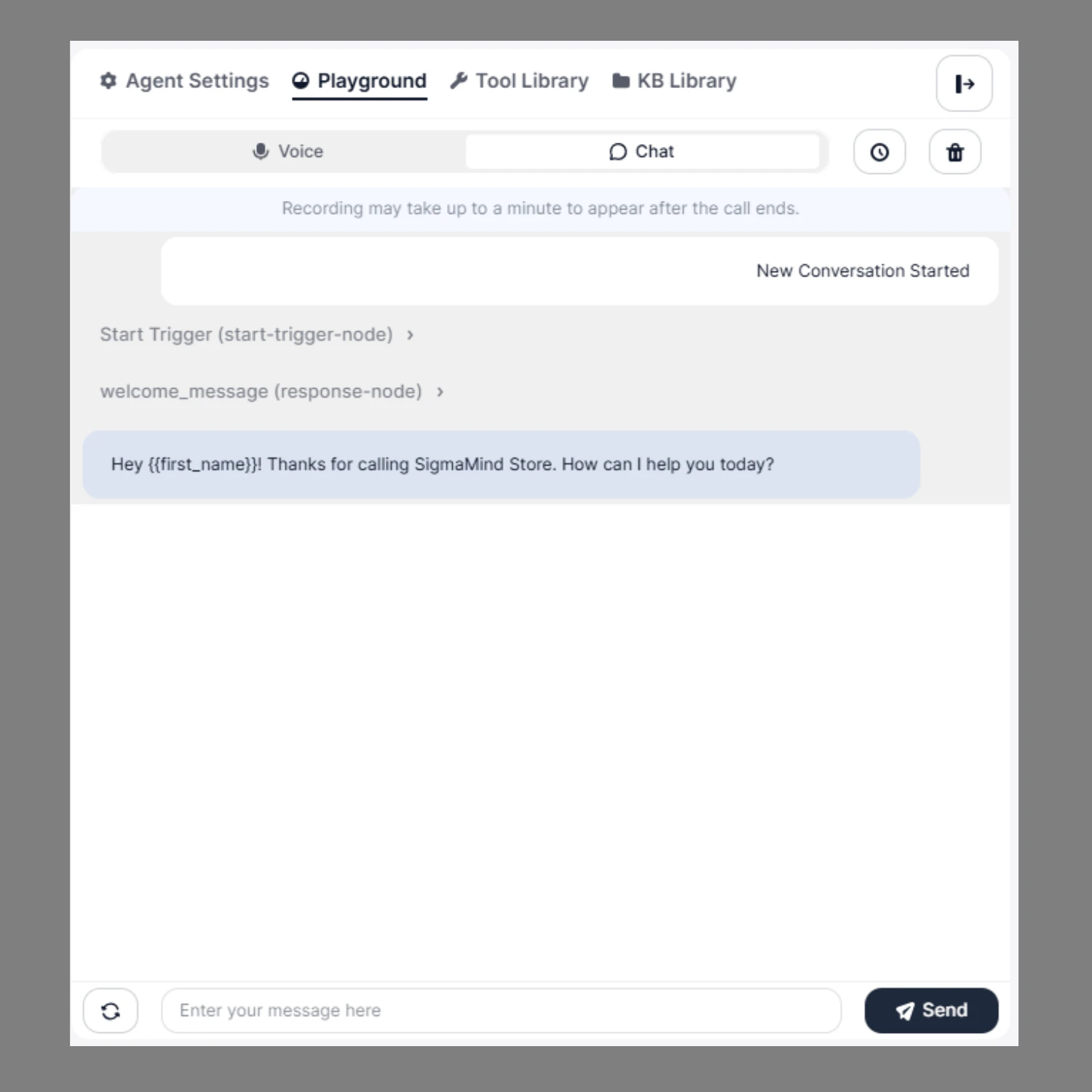
How to Test in Chat Mode
- Switch to Chat at the top
- Click on Manual Chat Conversation
- Start typing your message in the input field
- Click Send to interact with the agent
- Manually test conversation flows
- Validate prompts and responses
- Test dynamic variables
- Verify branching logic
- Debug workflow execution