> ## Documentation Index
> Fetch the complete documentation index at: https://docs.sigmamind.ai/llms.txt
> Use this file to discover all available pages before exploring further.
# Test Chat
Use Chat mode to test text-based conversations with your agent in real time before deployment.
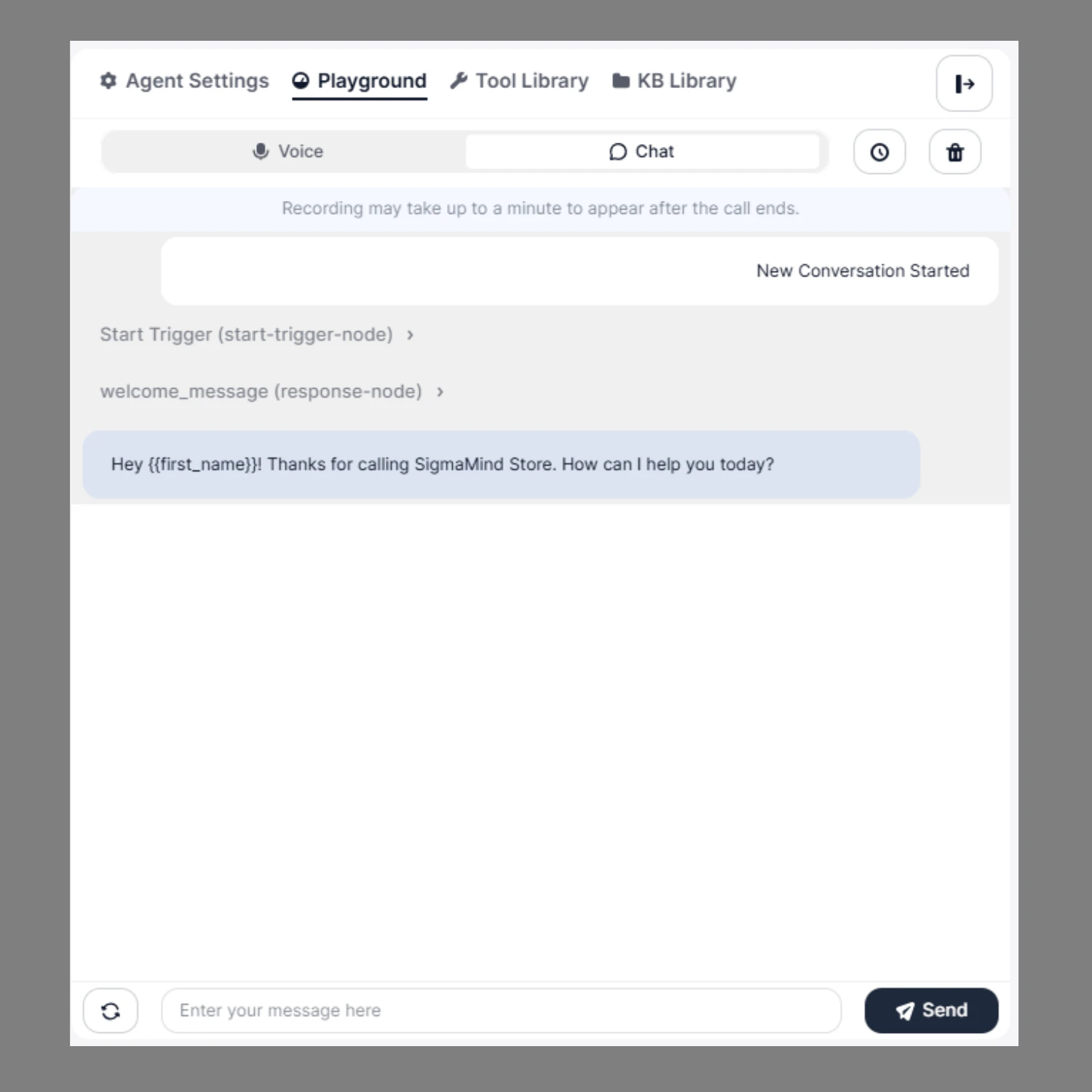 ## How to Test in Chat Mode
1. Switch to **Chat** at the top
2. Click on **Manual Chat Conversation**
3. Start typing your message in the input field
4. Click **Send** to interact with the agent
This mode allows you to:
* Manually test conversation flows
* Validate prompts and responses
* Test dynamic variables
* Verify branching logic
* Debug workflow execution
All triggered nodes (Start Trigger, Response Node, Function Calls, etc.) will be displayed in the conversation panel for inspection.
## How to Test in Chat Mode
1. Switch to **Chat** at the top
2. Click on **Manual Chat Conversation**
3. Start typing your message in the input field
4. Click **Send** to interact with the agent
This mode allows you to:
* Manually test conversation flows
* Validate prompts and responses
* Test dynamic variables
* Verify branching logic
* Debug workflow execution
All triggered nodes (Start Trigger, Response Node, Function Calls, etc.) will be displayed in the conversation panel for inspection.