> ## Documentation Index
> Fetch the complete documentation index at: https://docs.sigmamind.ai/llms.txt
> Use this file to discover all available pages before exploring further.
# API Logs
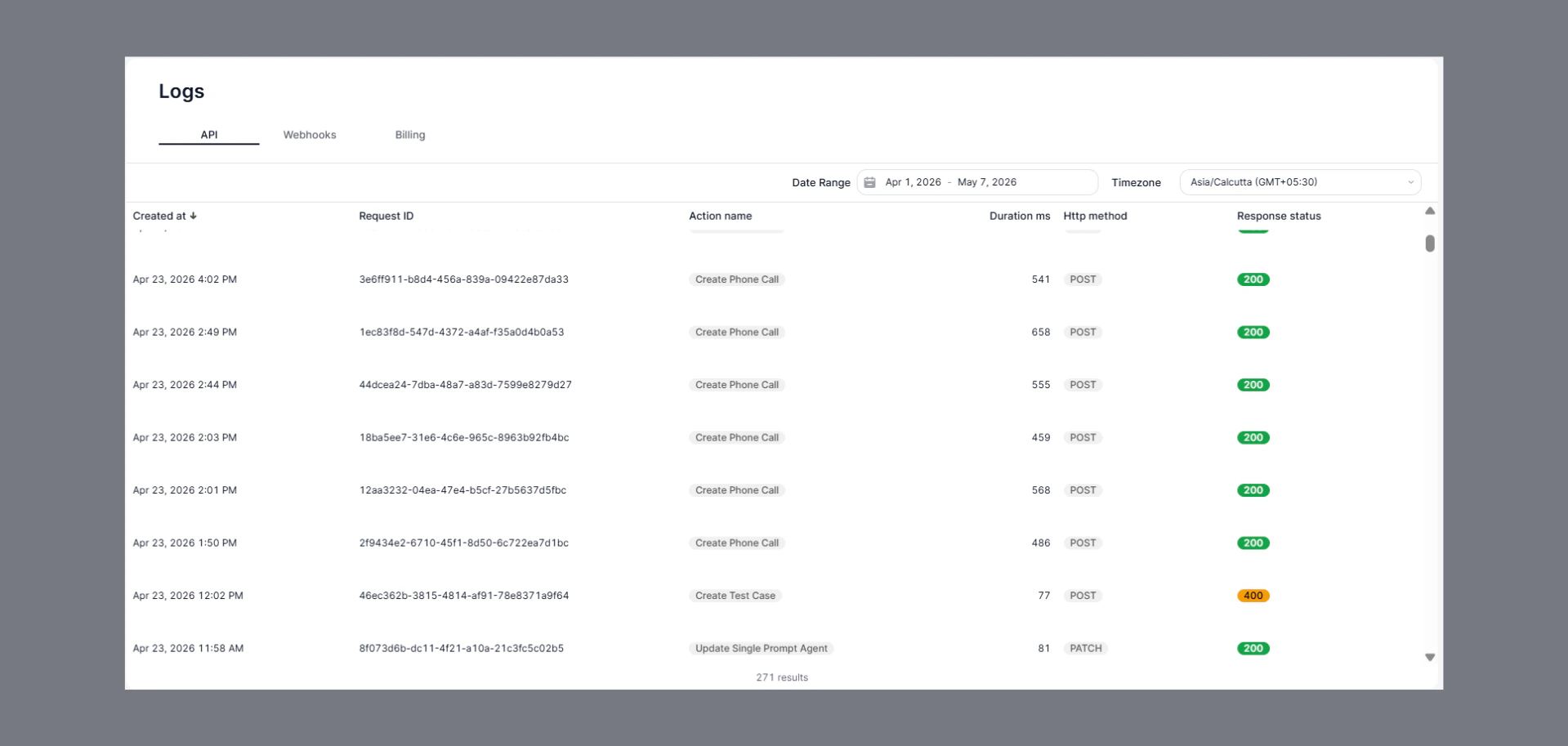
The API Logs page provides a detailed history of all API requests made within the platform. It helps monitor API activity, track request performance, and identify failed requests.
 ## How to Navigate
1. Go to the Home Dashboard.
2. From the left side panel, click on **Logs**.
3. Open the **API** tab at the top of the page.
## Key Insights
* View all API request activities in one place.
* Track:
* Request ID
* Action name
* HTTP method
* Response status
* Request duration
* Identify successful and failed API requests quickly.
* Use date range and timezone filters for easier analysis.
## Status Indicators
* **200** → Request completed successfully.
* **400** → Bad request or invalid input.
* Other non-200 responses indicate API or configuration issues.
***
## How to Navigate
1. Go to the Home Dashboard.
2. From the left side panel, click on **Logs**.
3. Open the **API** tab at the top of the page.
## Key Insights
* View all API request activities in one place.
* Track:
* Request ID
* Action name
* HTTP method
* Response status
* Request duration
* Identify successful and failed API requests quickly.
* Use date range and timezone filters for easier analysis.
## Status Indicators
* **200** → Request completed successfully.
* **400** → Bad request or invalid input.
* Other non-200 responses indicate API or configuration issues.
***