> ## Documentation Index
> Fetch the complete documentation index at: https://docs.sigmamind.ai/llms.txt
> Use this file to discover all available pages before exploring further.
# How to Configure Who starts the conversation
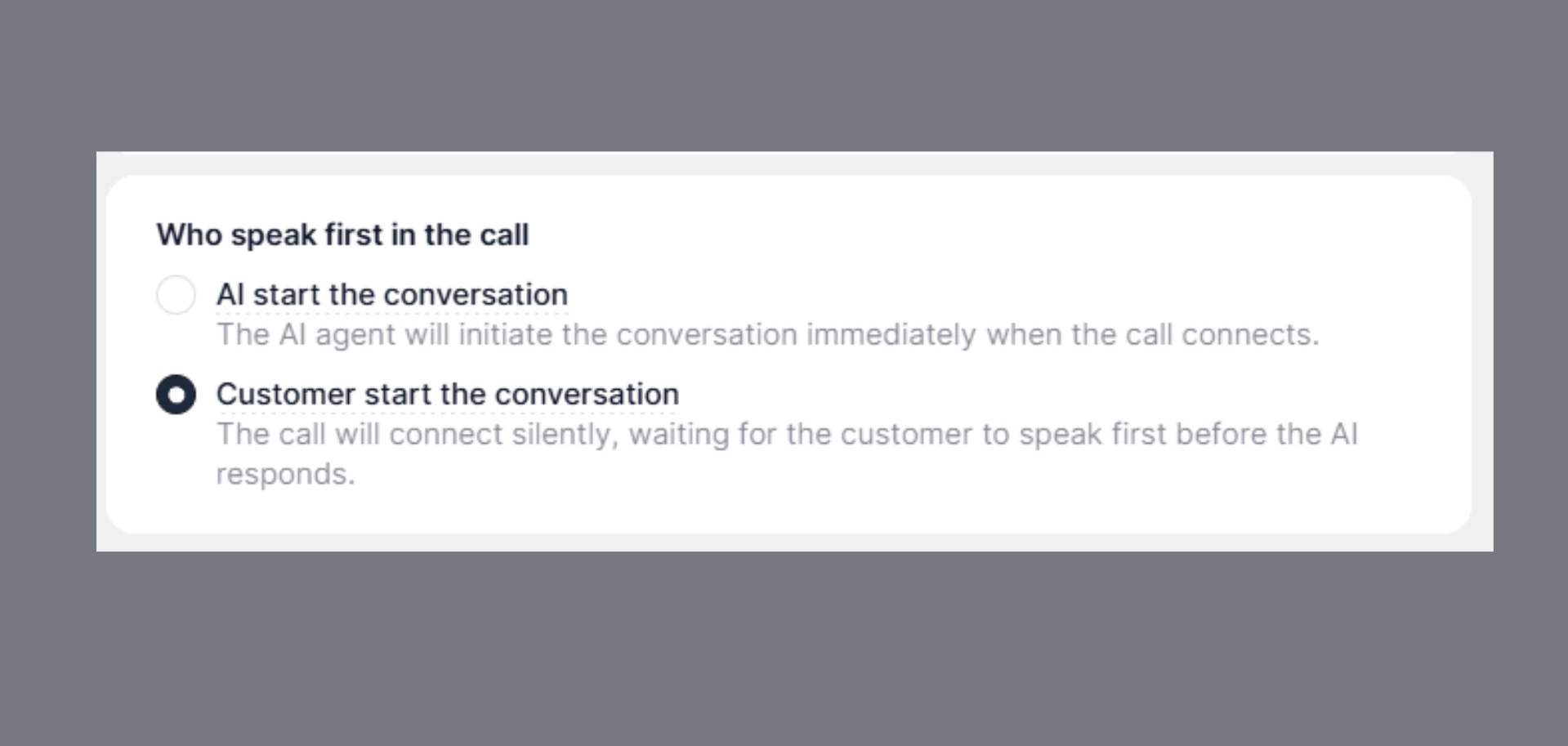
This setting controls who starts the conversation when the call connects.
 ### Who Speaks First - Decision Table
| Scenario | Setting to Choose | Why | What Happens |
| :----------------------------- | :------------------------ | :---------------------- | :---------------------------------------- |
| Outbound calls (you call user) | **AI starts first** | AI initiates the call | AI speaks immediately after call connects |
| Automated workflows | **AI starts first** | No user input expected | AI drives the conversation |
| Inbound calls (user calls you) | **Customer starts first** | Natural user behavior | AI waits, then responds |
| Support helpline | **Customer starts first** | Matches real-world flow | Avoids interrupting user |
See where to 👉 [Set First Message](/documentation/agents/single-prompt-agent/configure-welcome-message) in Single Prompt Agent. The **first message spoken by AI.**
#### Recommendation (Important)
👉 Inbound calls → **Customer starts first**\
👉 Outbound calls → **AI starts first**
***
### Why This Matters
Wrong configuration can lead to:
* AI talking over the user
* Awkward silence at call start
* Confusing conversation flow
***
## What Actually Happens
* **AI starts first** → Agent speaks immediately after connection
* **Customer starts first** → Call stays silent until the user speaks
### Who Speaks First - Decision Table
| Scenario | Setting to Choose | Why | What Happens |
| :----------------------------- | :------------------------ | :---------------------- | :---------------------------------------- |
| Outbound calls (you call user) | **AI starts first** | AI initiates the call | AI speaks immediately after call connects |
| Automated workflows | **AI starts first** | No user input expected | AI drives the conversation |
| Inbound calls (user calls you) | **Customer starts first** | Natural user behavior | AI waits, then responds |
| Support helpline | **Customer starts first** | Matches real-world flow | Avoids interrupting user |
See where to 👉 [Set First Message](/documentation/agents/single-prompt-agent/configure-welcome-message) in Single Prompt Agent. The **first message spoken by AI.**
#### Recommendation (Important)
👉 Inbound calls → **Customer starts first**\
👉 Outbound calls → **AI starts first**
***
### Why This Matters
Wrong configuration can lead to:
* AI talking over the user
* Awkward silence at call start
* Confusing conversation flow
***
## What Actually Happens
* **AI starts first** → Agent speaks immediately after connection
* **Customer starts first** → Call stays silent until the user speaks