> ## Documentation Index
> Fetch the complete documentation index at: https://docs.sigmamind.ai/llms.txt
> Use this file to discover all available pages before exploring further.
# Model Settings
> The Model Settings page allows you to configure a Global Prompt that will be automatically applied to all conversations.
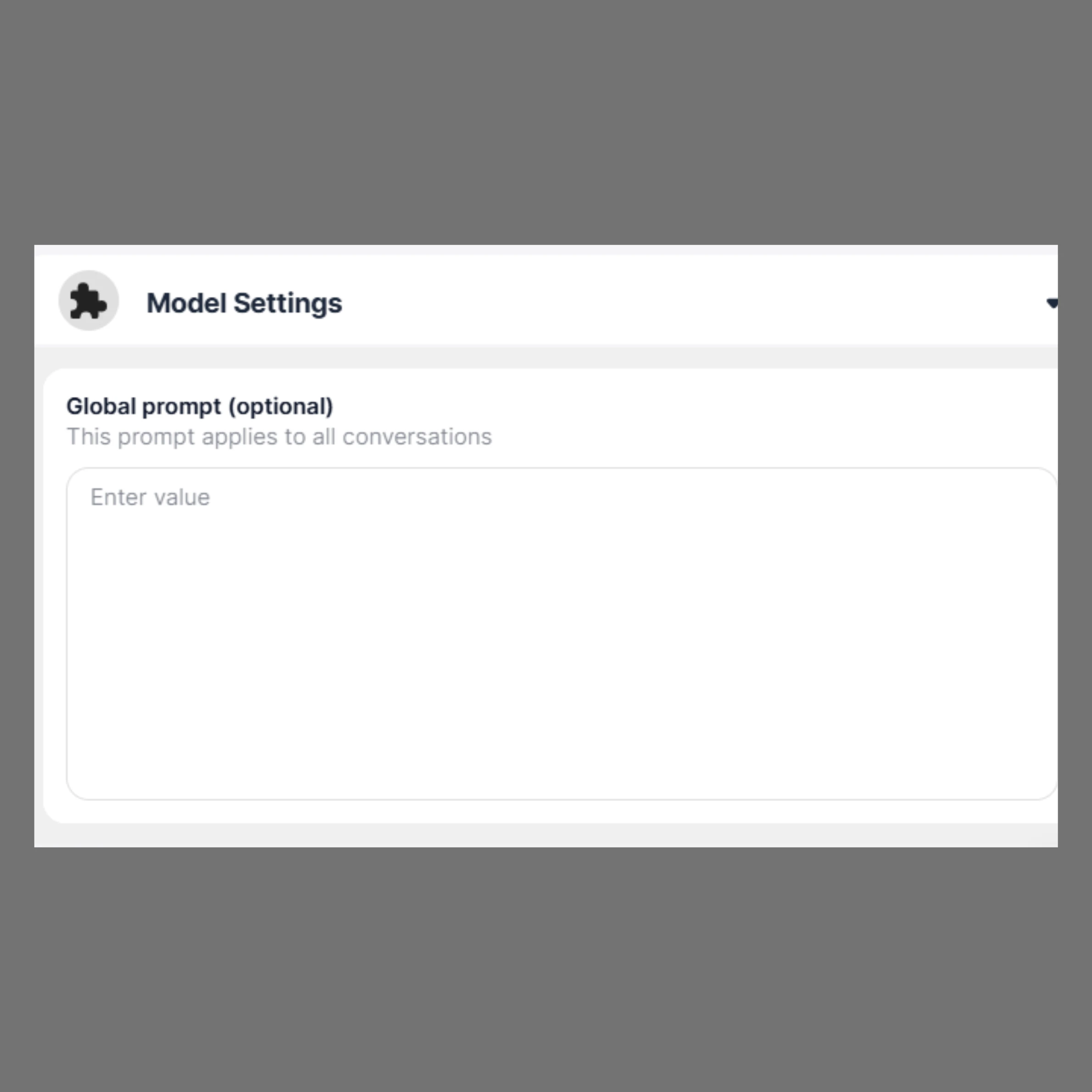 ### Global Prompt (Optional)
The **Global Prompt** is a system-level instruction that shapes how the model responds across every interaction.
* **Purpose:**\
Use this field to define consistent behavior, tone, or rules for the AI.
* **How it works:**\
Any text entered here is prepended to every conversation, influencing responses without needing to repeat instructions each time.
* **Examples:**
* “Respond in a professional and concise tone.”
* “Always provide step-by-step explanations.”
* “Act as a helpful coding assistant specialized in Python.”
* **When to use it:**
* Enforcing a consistent writing style
* Setting domain expertise (e.g., legal, medical, technical)
* Defining response constraints or preferences
* **When to leave it empty:**
* If you want each conversation to behave independently
* If instructions will vary frequently between chats
### Input Field
* Enter your global prompt in the text area labeled **“Enter value”**
* Changes take effect immediately for new and ongoing conversations
### Global Prompt (Optional)
The **Global Prompt** is a system-level instruction that shapes how the model responds across every interaction.
* **Purpose:**\
Use this field to define consistent behavior, tone, or rules for the AI.
* **How it works:**\
Any text entered here is prepended to every conversation, influencing responses without needing to repeat instructions each time.
* **Examples:**
* “Respond in a professional and concise tone.”
* “Always provide step-by-step explanations.”
* “Act as a helpful coding assistant specialized in Python.”
* **When to use it:**
* Enforcing a consistent writing style
* Setting domain expertise (e.g., legal, medical, technical)
* Defining response constraints or preferences
* **When to leave it empty:**
* If you want each conversation to behave independently
* If instructions will vary frequently between chats
### Input Field
* Enter your global prompt in the text area labeled **“Enter value”**
* Changes take effect immediately for new and ongoing conversations